hobby-ish gamedev. This website contains my raw notes and documents my progress.
coop spawning muzzle flashes
We did a great amount of interesting work yesterday. We created our first shader and applied them to the muzzle flash. I even extended the effects by adding a fade out effect as this is how smoke behaves in real life. This is how it looks now:
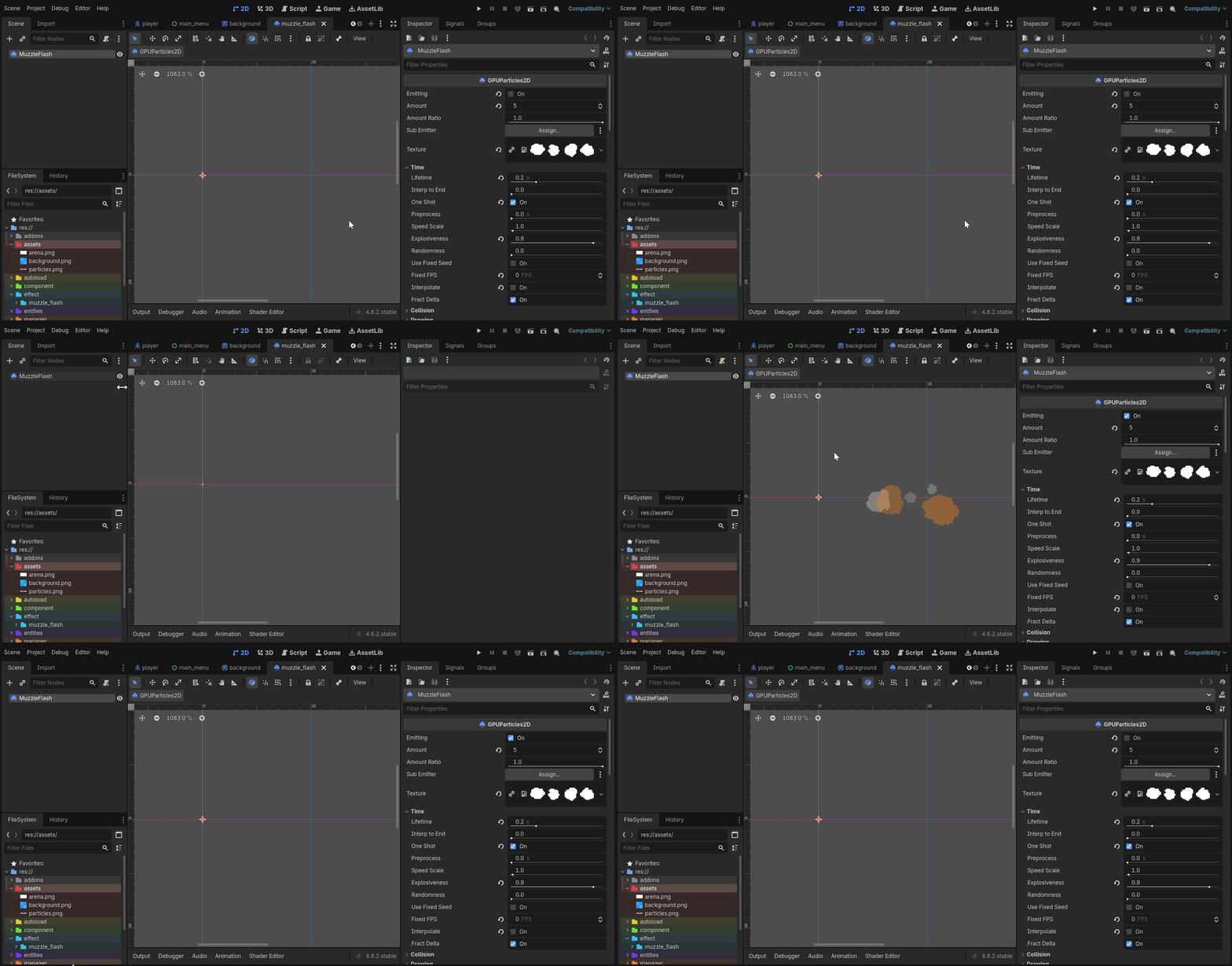
Now lets continue with spawning the effect on the related node.
Required:
- Animationplayer to autoplay/autoenable the emission and queue_free after that
Add the animationplayer as a child and create a animation track. Add a keyframe by choosing the Emitting option and enable the keyframe:
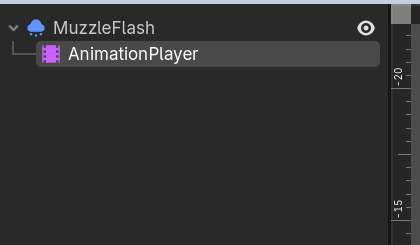

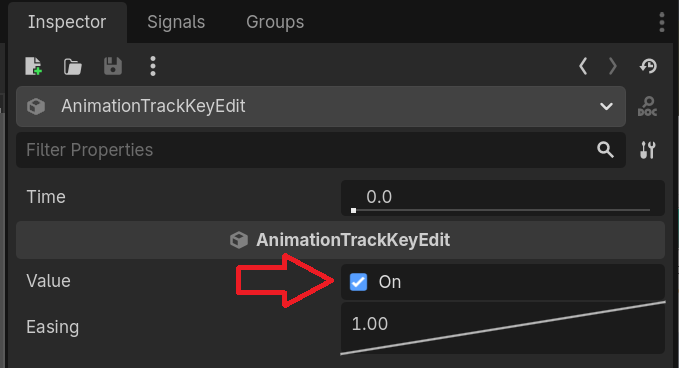
Also select autoplay, so that the node starts the animation as soon as it enters the scene tree.
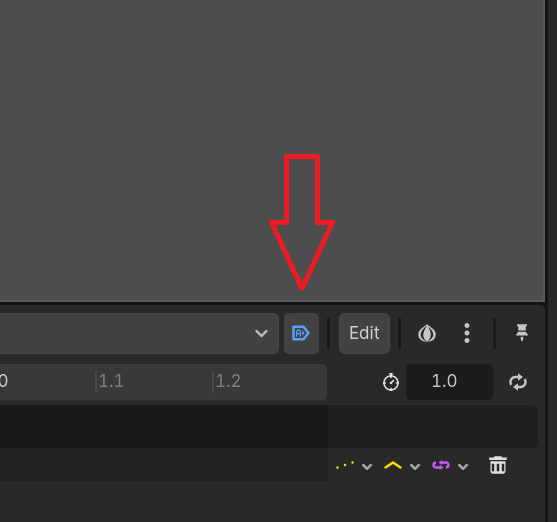
To free the node, you can call functions with the animationnode:
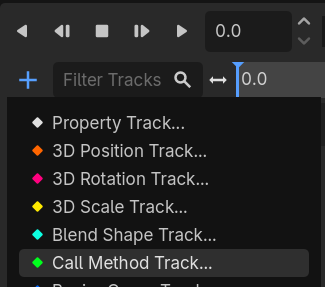
Select MuzzleFlash
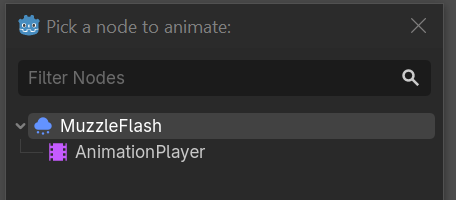
Search for free and select the highlighted function
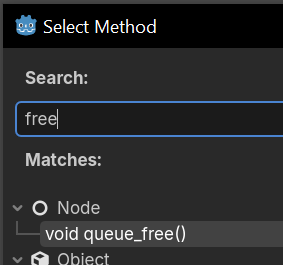
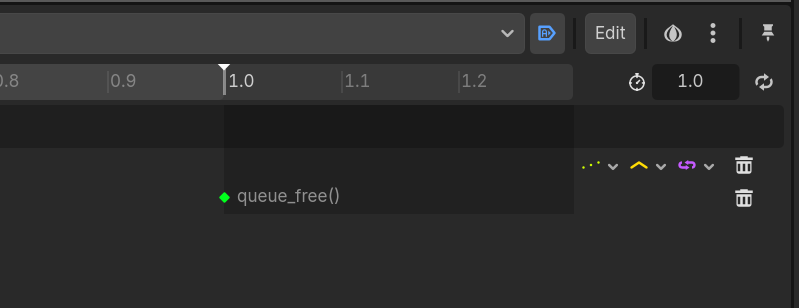
Which then should like this. After 1 second the function should be called.
So the problem at the moment is that because the weapon is aiming up when shooting because of the simulated recoil, the smoke appears below the current position of the barrel.
I tried to add a debug scene and instantiate it, then reference the barrel node and get its position to draw a debug line. But that didnt work.
In the end I added the debug draw to the player script:
func _draw():
	var direction = Vector2.from_angle(barrel_position.global_rotation)
	var start = to_local(barrel_position.global_position)
	var end = to_local(barrel_position.global_position + direction * 200)
	draw_line(start, end, Color.RED, 2.0)
Which is called during the update_aim_position function:
func update_aim_position():
	...
	queue_redraw() # for debug draw
So how is that debug draw working?
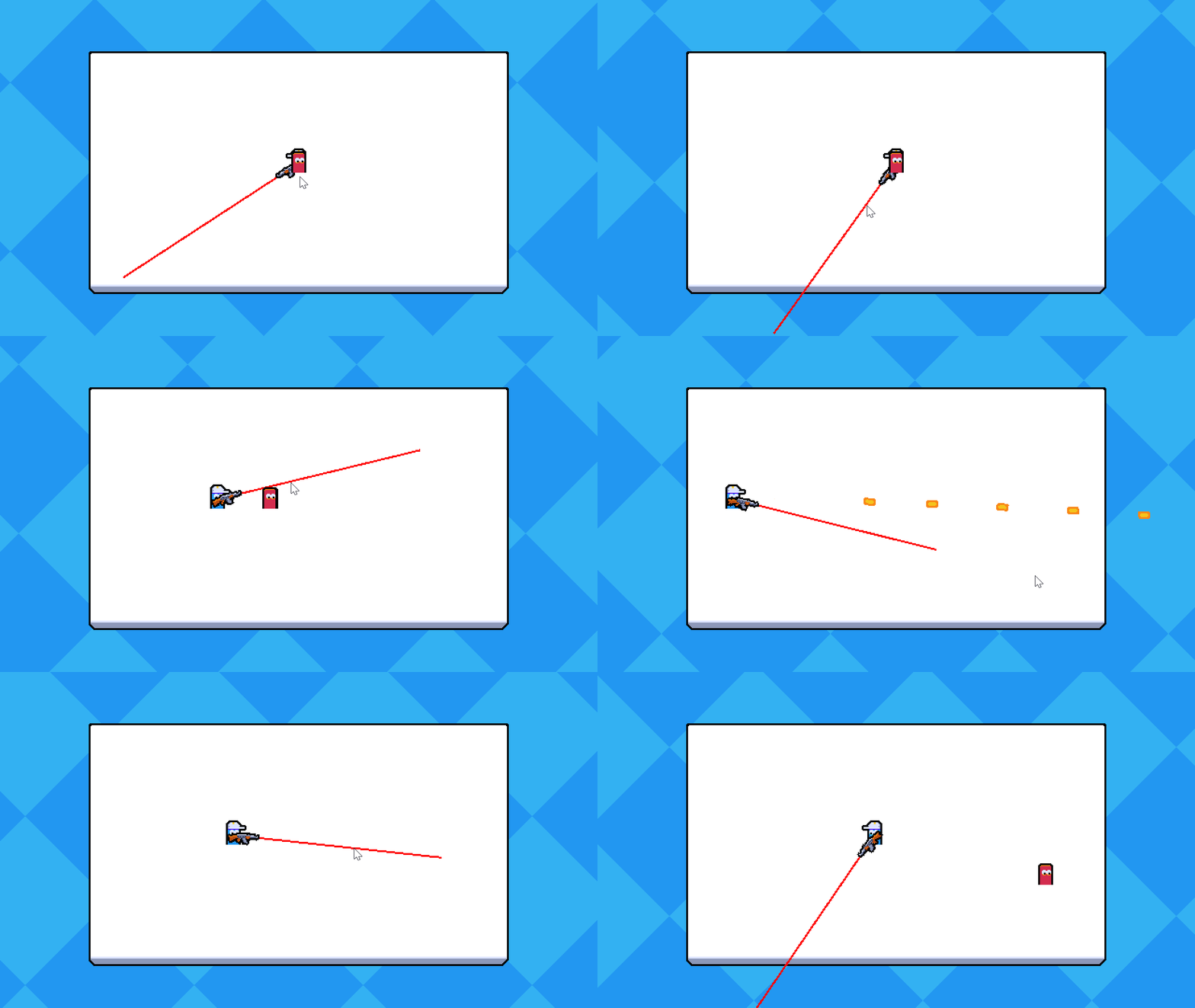
The draw_line function needs for parameters to draw a line. A starting position Vector2 (the barrel_position nodes global_position), a destination Vector2 (the direction from the barrel_position plus 200 pixels in that direction as from_angle returns a unit vector, aka a unit with length 1), a color and a width. Two things need to be explained. How is the direction calculated and what does to_local do?
Direction:
direction uses the from_angle function which states: “Creates a Vector2 rotated to the given angle in radians.”
var direction = Vector2.from_angle(barrel_position.global_rotation)
We define direction as a Vector2, use the from_angle function and give it the rotation of the barrel_position node, which in turn gives a Vector2 the draw_line function expects. Simple trigonometry.
to_local:
var start = to_local(barrel_position.global_position)
var end = to_local(barrel_position.global_position + direction * 200)
Godot-wiki: “Transforms the provided global position into a position in local coordinate space. The output will be local relative to the Node2D it is called on. e.g. It is appropriate for determining the positions of child nodes, but it is not appropriate for determining its own position relative to its parent.”
When we call draw() on a node, all coordinates are relative to that nodes position and rotation as it only works with local coordinates. Most Godot methods and properties work in global space, but draw() is an exception.
That means, that we transform the global position of the barrel to a local position and store that in seperate variables, which are then used to tell draw_line where the source and the destination of the line should be.
Credit: Firebelley Games (Coop Tutorial, check it out!)