hobby-ish gamedev. This website contains my raw notes and documents my progress.
Gamejam and Blender
I havent done much in these last couple of days besides feel bad when I didnt do gamedev. Good thing brackeys gamejam started that was the needed structure I asked for.
So, I did gamejam the last couple of days. Used too much AI and therefore I wont upload my game, but I like to finish it at least to get some motivation. Its a funny gameloop I think.
Also, I started planning properly:
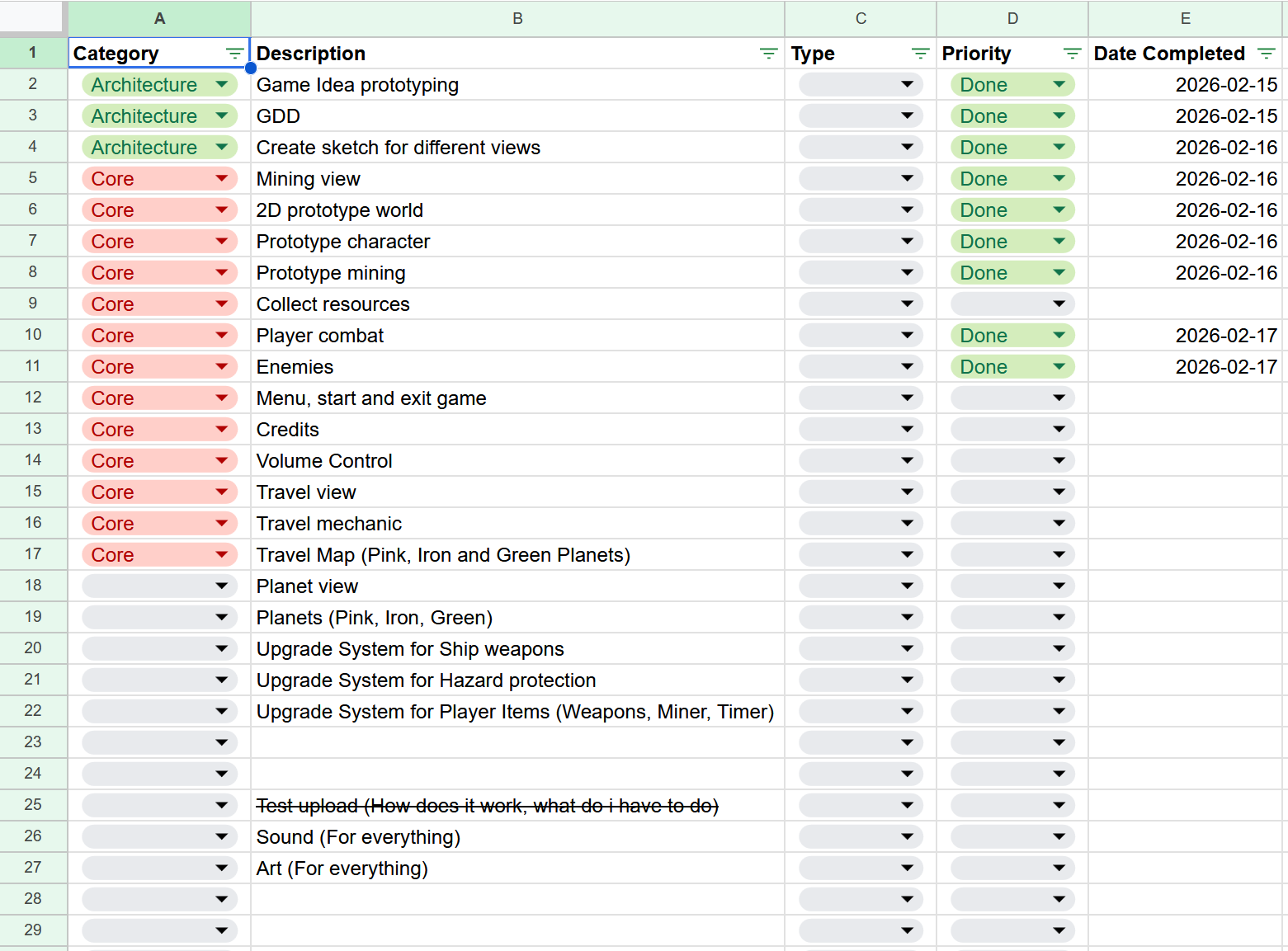
18th I had to work on site and didnt have much motivation left in the evening 19th(today) I focused on blender because I wanted to do this for so long. Creating models somehow touches something deep inside my head, I dont know how to explain it.
So I looked into blender today, as my inner drive wanted to do this more than anything else right now. I have the need to create but can’t even start. And I guess creating low poly 3D characters is the best thing I can think of. Its a good balance between being interesting and challenging enough. Also its not that difficult, at least thats my opinion right now. But if I dont know how complicated it is, the chance I start working on it is better.
Blender I looked into this tutorial https://www.youtube.com/watch?v=Ci3Has4L5W4 watched until 2 minutes and 37 seconds and was instantly driven by just doing something else. My thought was, I shouldnt start at the source (creating models) if I do not even now how to use them in godot. Starting in godot will be inefficient as I will invest time into things that are stripped away or not even usable in godot. Hence why I looked into premade 3d low poly assets ready to use. This one looked pretty rad, I like hazmat suits. https://mcsteeg.itch.io/hazmat-character
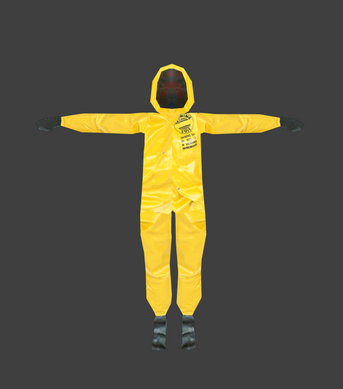
Exported these files are available:
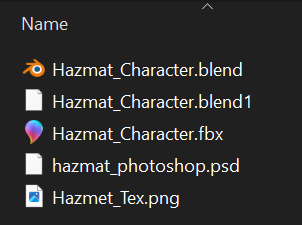
.blend can be used in blender, .blend1 is an automatic backup blender created. The .psd file is photoshop (I do not have photoshop, fuck them), the .fbx file could be imported into godot but its unreliable regarding importing textures. Use .glb (GLTF) whenever you can, it transfers materials, textures, metallic/roughness without issues.
Now when the blend or the fbx file is imported into godot, the characters has no texture applied.
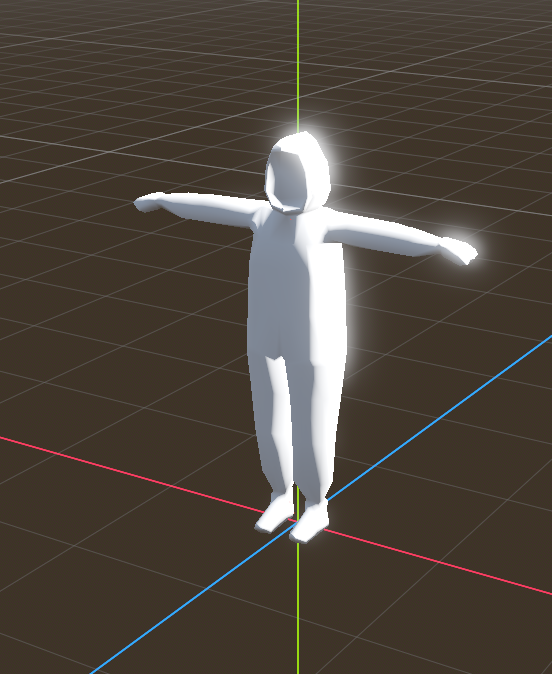
This can be fixed in two ways.
- Export the file in blender as glb and import it in godot. Easy fix.
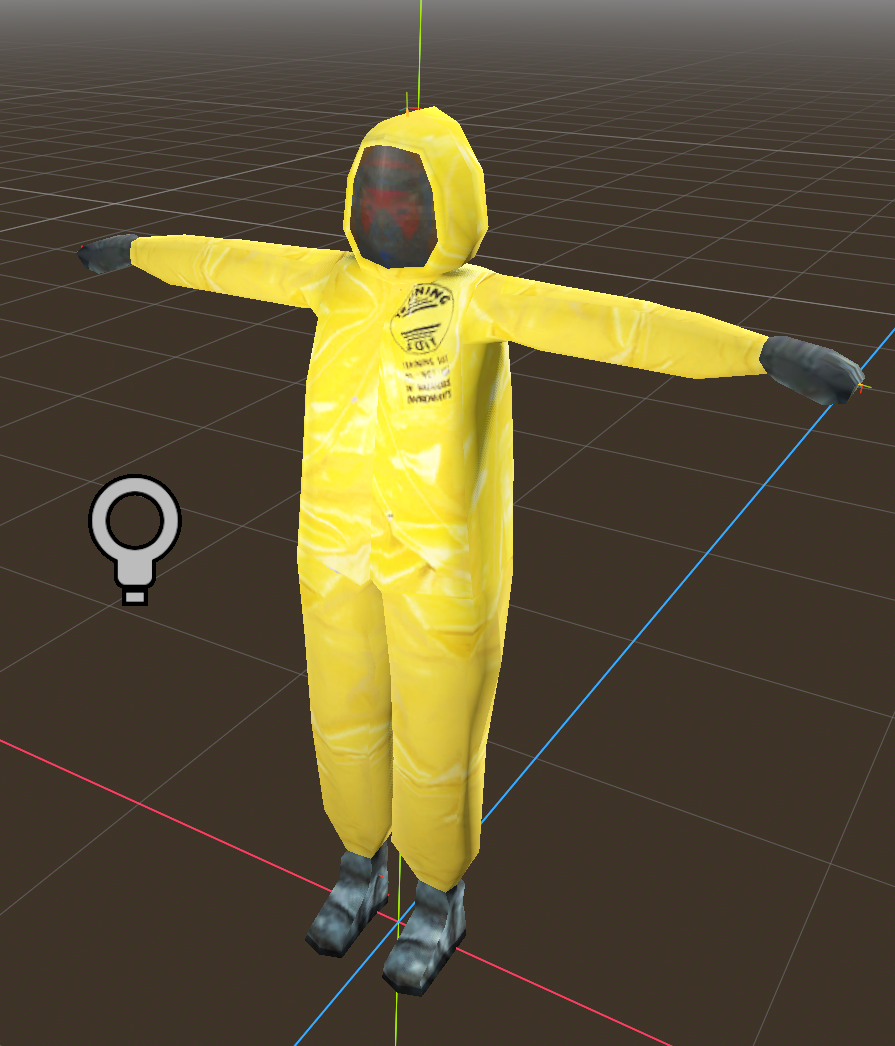
- Use the existing blender or fbx file, doubleclick on the imported node in the scene tree and create a new interihited scene as u can not edit the imported scene. Now, find the mesh node (the root node is probably a standard node3D node) and look for “surfice override material”. You have to create a 3D material, choose albedo and select the UV map u got with the project, if you have one.
Result:
Lets get into moving that character. Is has rigging implemented, now I need to find out how to move it.
Lets use mixamo, its from adobe but its recommended by the community and it seems easy to use. Unfortunately, when importing fbx files, the texture is missing is usual. I guess you can apply the texture afterwards like before. I have to test if I can work around this by using glb?
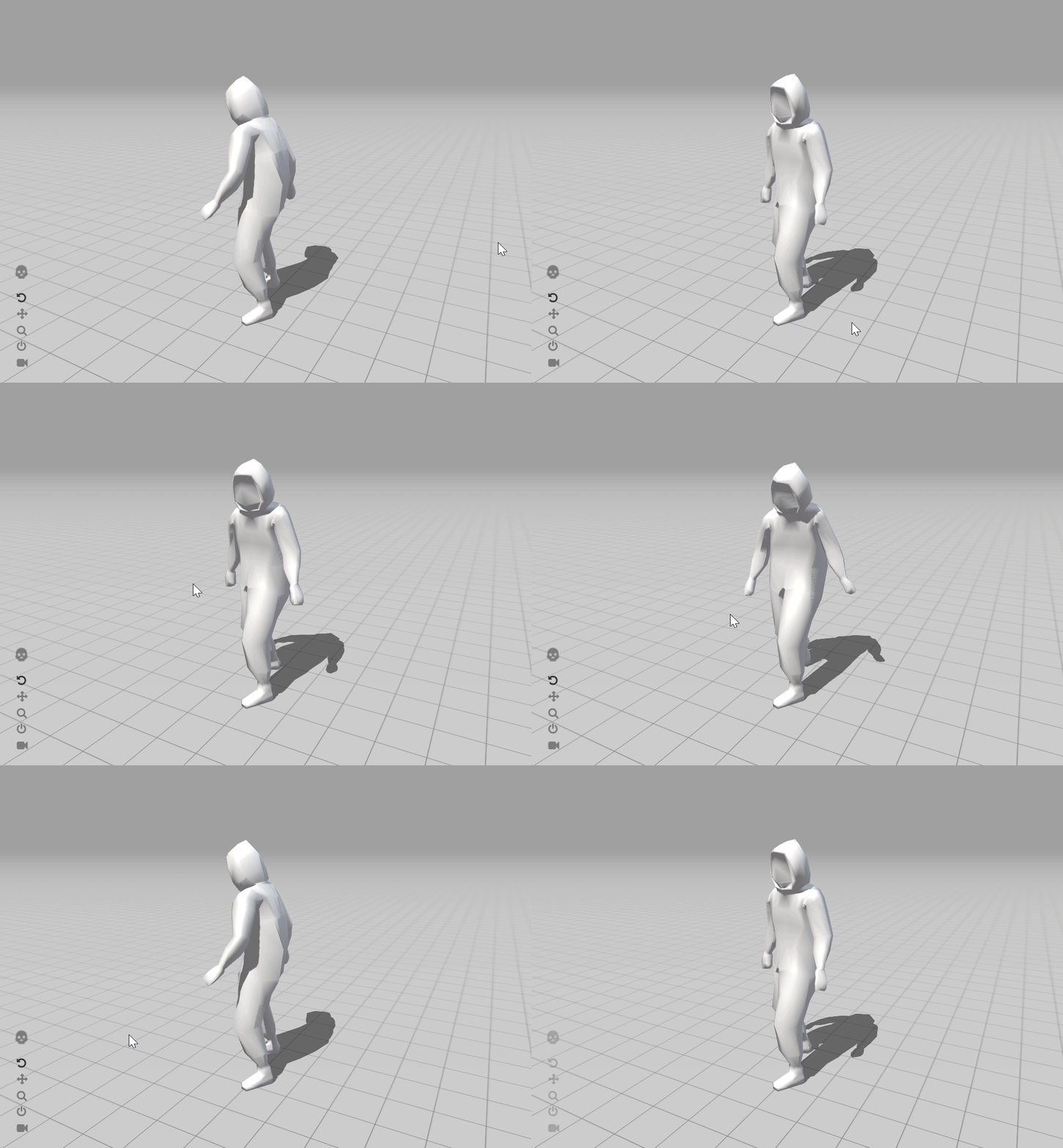
Related: Use https://ezgif.com/crop to crop gifs if sharex doesnt work as inteded…
Mixamo doesnt support glb, but I can upload a fbx containing the texture files it seems. Lets test it out.
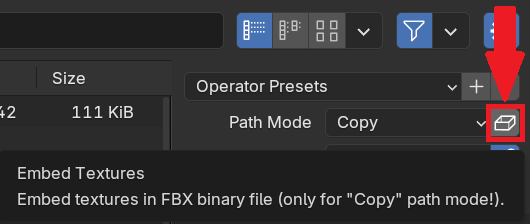
When exporting to fbx select Path mode “copy”. A Button right of it appears. Check that.
Also select apply transform
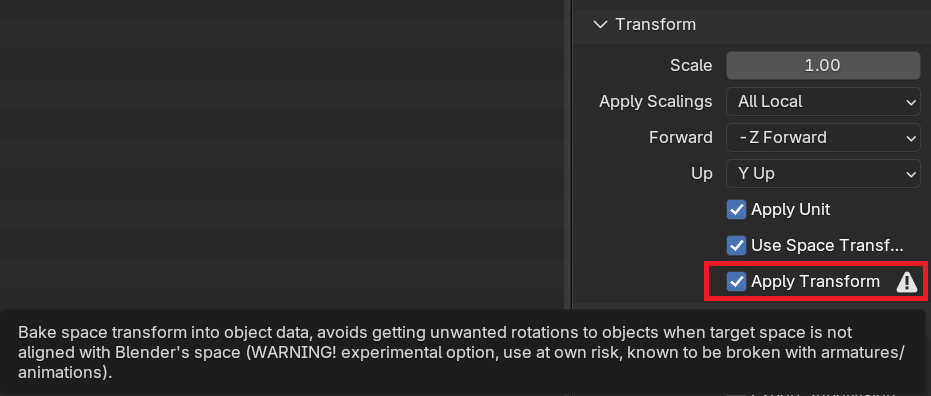
Why apply transform? Because this “bakes” your objects current position, rotation, and scale values directly into the mesh and bone data. Example:
BEFORE (your model might look like):
Location: (2, 0, 3)
Rotation: (10°, 0°, -90°)
Scale: (0.5, 0.5, 0.5)

AFTER clicking "Apply Transform":
Location: (0, 0, 0)
Rotation: (0°, 0°, 0°)
Scale: (1, 1, 1)
← Mesh/bones are permanently reshaped to match
somehow using fbx files in the way i did it wont work with the website. Jonnys way worked, i have to check again how. But for now, take a step back and try to be efficient as possible. I kinda lost track. The aim is to have a working efficient pipeline where I can see fast moving/animated results in godot. I dont need to learn all of blender and graphics and arts. I know it is interesting, but I have to finish something someday.