hobby-ish gamedev. This website contains my raw notes and documents my progress.
Month completed. I am content
Lets continue with the coop stuff! I want to finish it and then continue with my personal dungeon project. Lets look into the claude chat first, where I asked if synchronizer and spawner are maybe not the best methods.
Enet vs Godots High-Level Multiplayer Stack
ENet
- The actual protocol handling packets, reliability and ordering
Godots High-Level implementation
- MultiplayerSynchronizer - syncs node properties across the network
- MutliplayerSpawner - spawns nodes over the network
ENet is battle tested, most of the critique is about the High-Level implentation and it’s lack of control like missing client-side prediction and lag compensation. Another issue are security concerns, as the high-level API can be bypassed. Server-side verification can help, but godot does not force you to implement these.
Example for an insecure way:
@onready var synchronizer = $MultiplayerSynchronizer
# Client sends this, server just accepts it blindly
var player_health = 100
var gold = 999
Players can change these values locally an it just replicates to every other client.
Secure way:
# On the server
@rpc_unreliable(call_local)
func take_damage(amount: int):
    if not is_multiplayer_authority():
        return  # Only server runs this

    health -= amount
    if health < 0:
        die()
    # Sync broadcasts the new health
The server has to never trust client-sent values and needs to validate them. Start with using is_multiplayer_authority() and build own validation logic on top of it.
I guess this wont be an issue for coop games, but if leaderboards are involved, this needs to be tackled, as this is a pvp mechanic. Same for global progression.
In the tutorial we used ENet already, but just to allow godot to use it as a transport layer. Without these we would:
- Need to manually create sockets
- Handle lost packets (like in TCP)
- Handle packet ordering
- Handle disconnecting and connecting
- … Basically you would need to implement the whole network protocol. Seems interesting but lets get going with the fun stuff (the gameloop and the project) first.
Weapon Rotation & Player Flipping
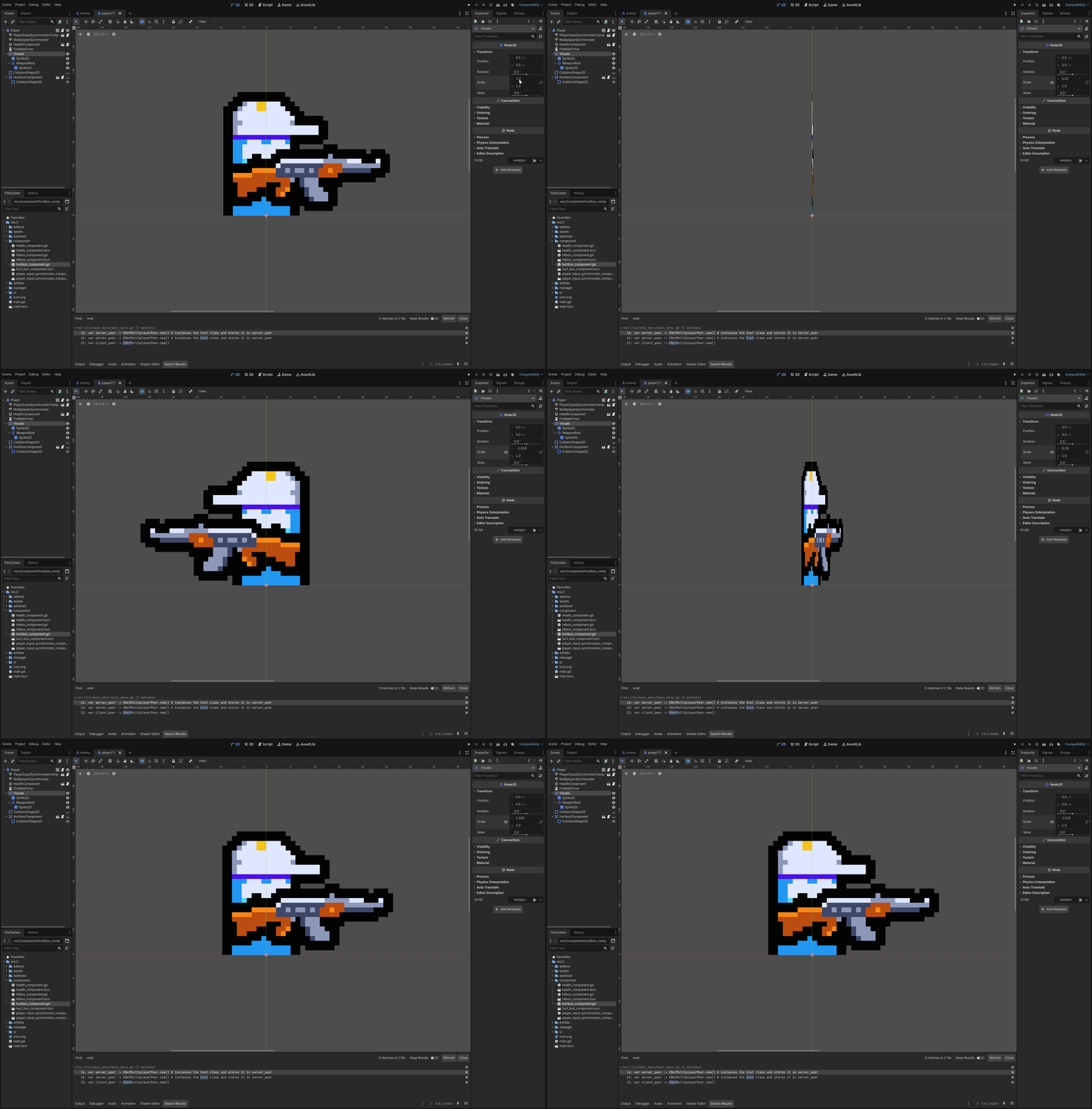
When flipping just setting the Flip H propertie seems like the correct apporach. But if the node is not centered it could be off center. Also Animations can have a problem with it later.
So what is an interesting solution?
To invert the x axis scale.
Animated Background (shader)
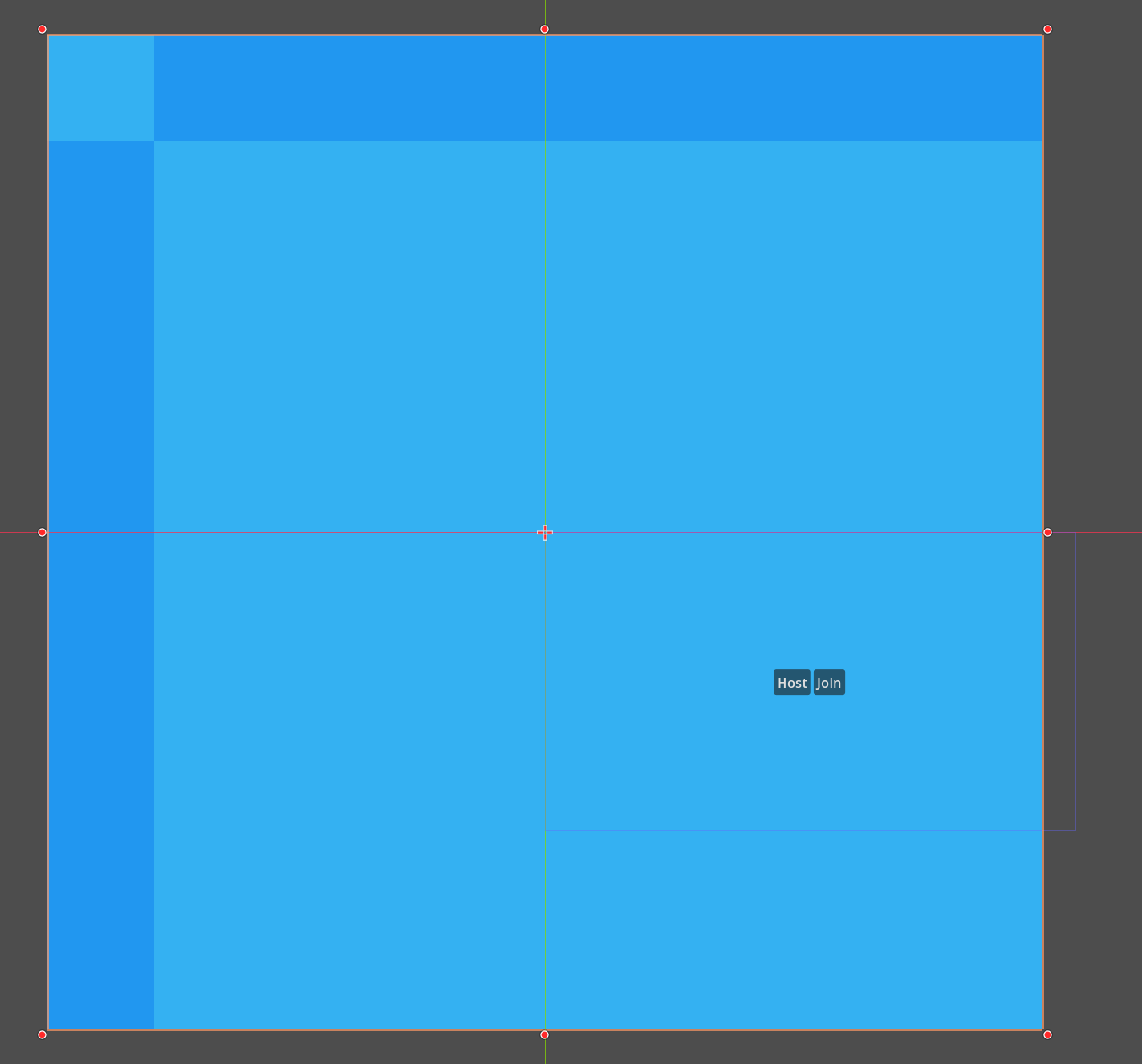
Add an image to an sprite2d and enable region
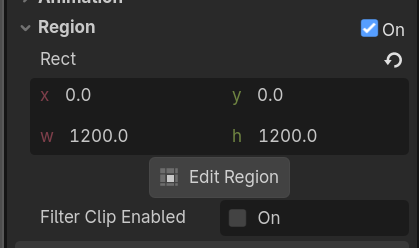
Which extends the sprite, but does not tile it:
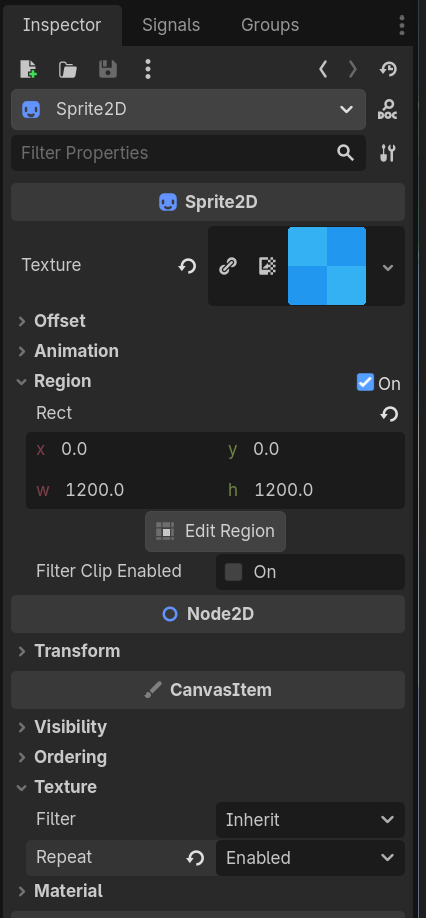
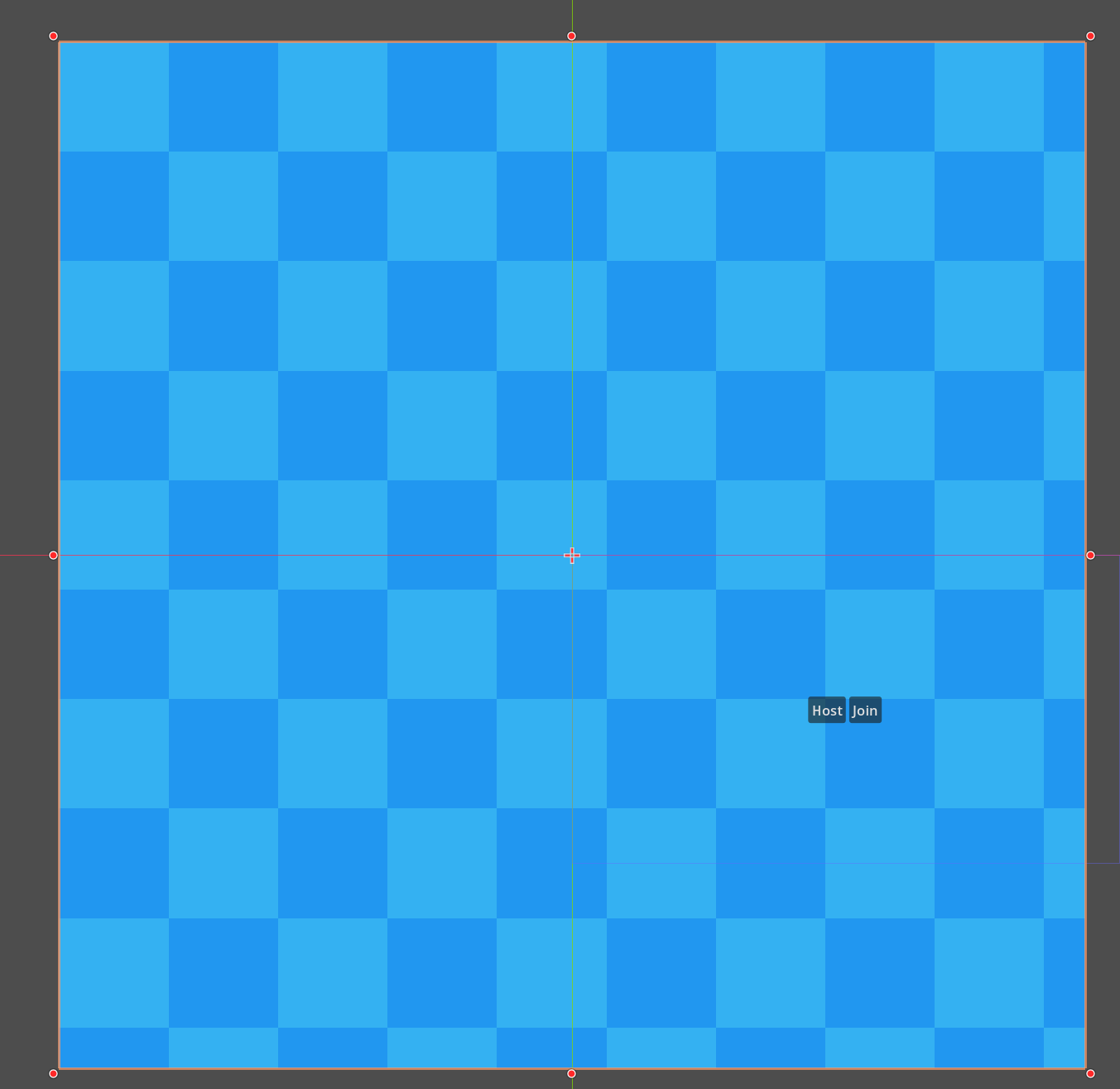
To fix this, change the texture repeat property from Inherit to Enabled.
Which then shows:
Now lets add movement with a shader! Create a new ShaderMaterial
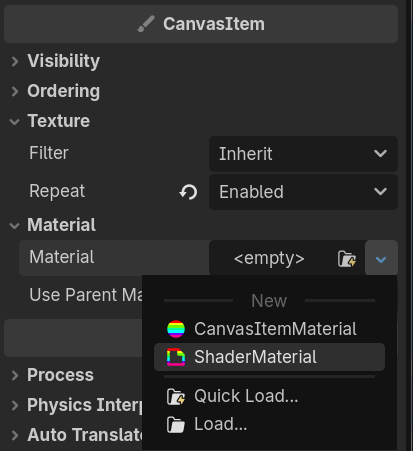
Create a new shader
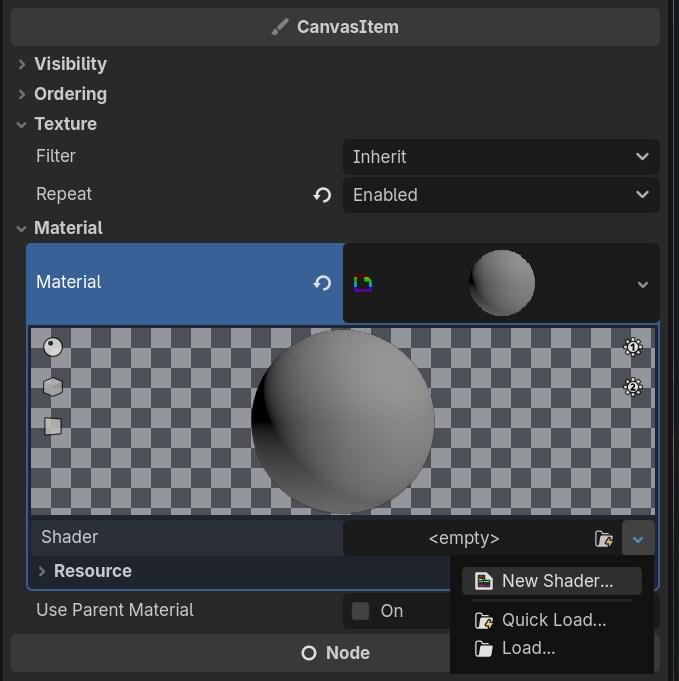
After saving the file, click on the newly created shader:
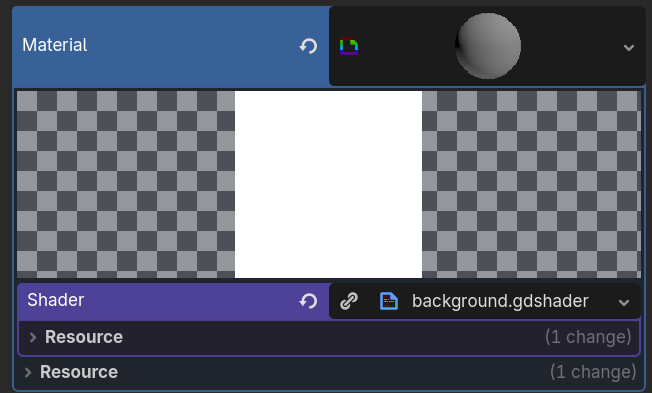
This should open the gdshader file:
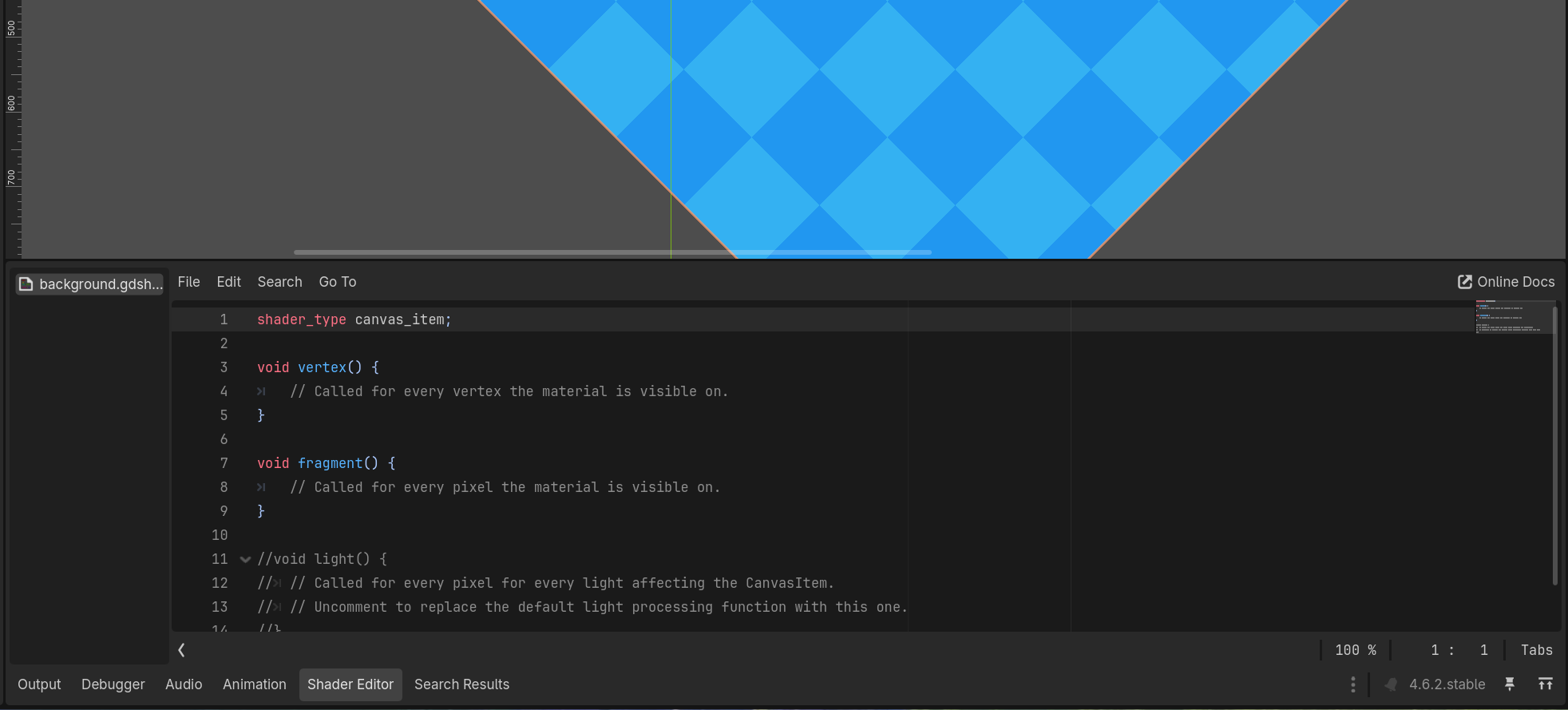
Simple shader to move the background at a constant speed.
shader_type canvas_item;

void fragment() {
	// Called for every pixel the material is visible on.
	vec4 color = texture(TEXTURE, UV + vec2(.14 * TIME, .06 * TIME)); // 4 procent to x, 2 to y
	//vec4 color = vec4(1.0); // shorthand for 4 values that are 1 for all RGBA values like vec4(1.0, 1.0, 1.0, 1.0)
	COLOR = color;
}
Also, to load this background you need to create an autoload. YES, scenes can also be autoloaded.
Create a scene out of this branch, add it in autoloads, reposition it inside the scene and this should work.
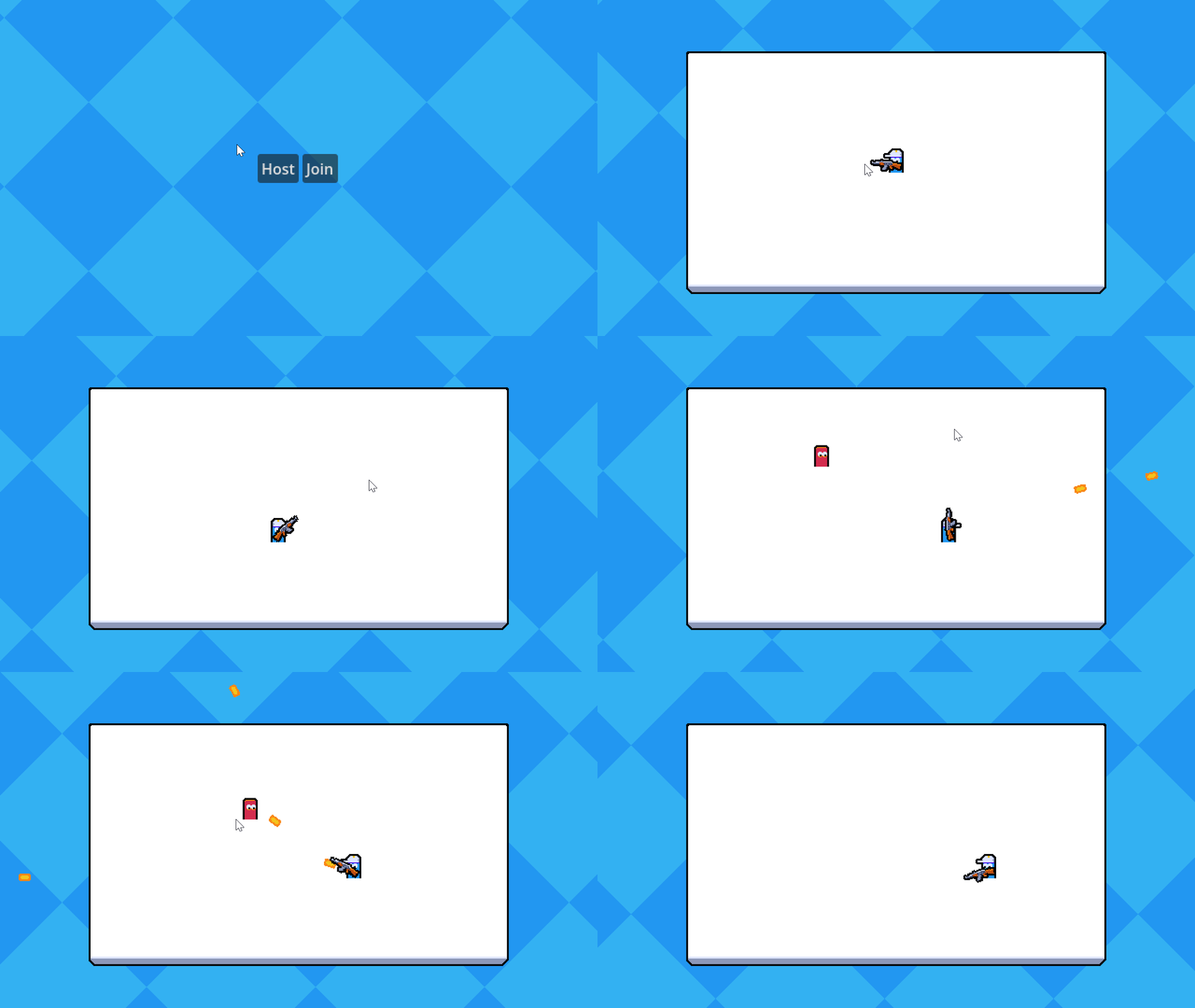
Credit: Firebelley Games (Coop Tutorial, check it out!)