hobby-ish gamedev. This website contains my raw notes and documents my progress.
Being more modular, saving time
How to apply the texture on the floor and scale it:
Assing a StandardMaterial3D to the node
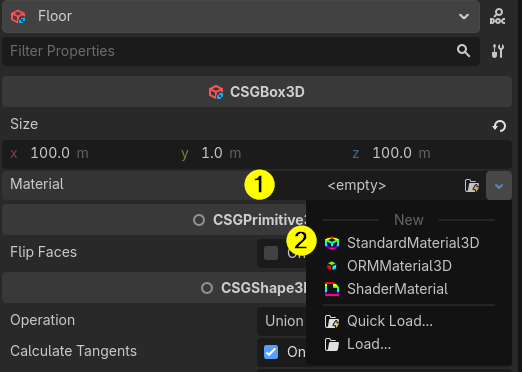
Open the Material, open the Albedo setting and drag the texture you want onto the Texture field
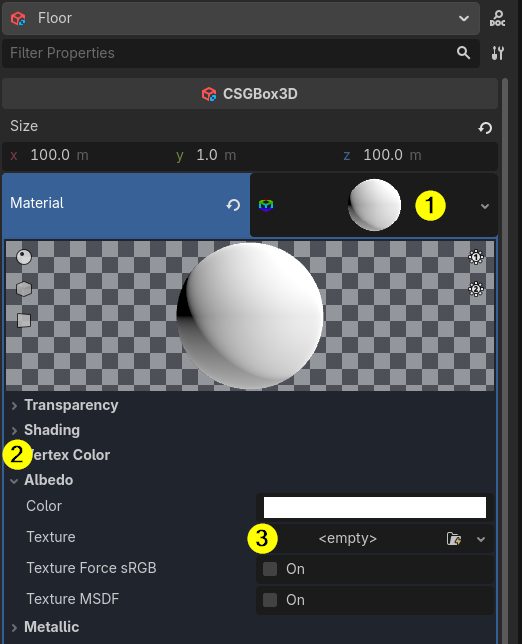
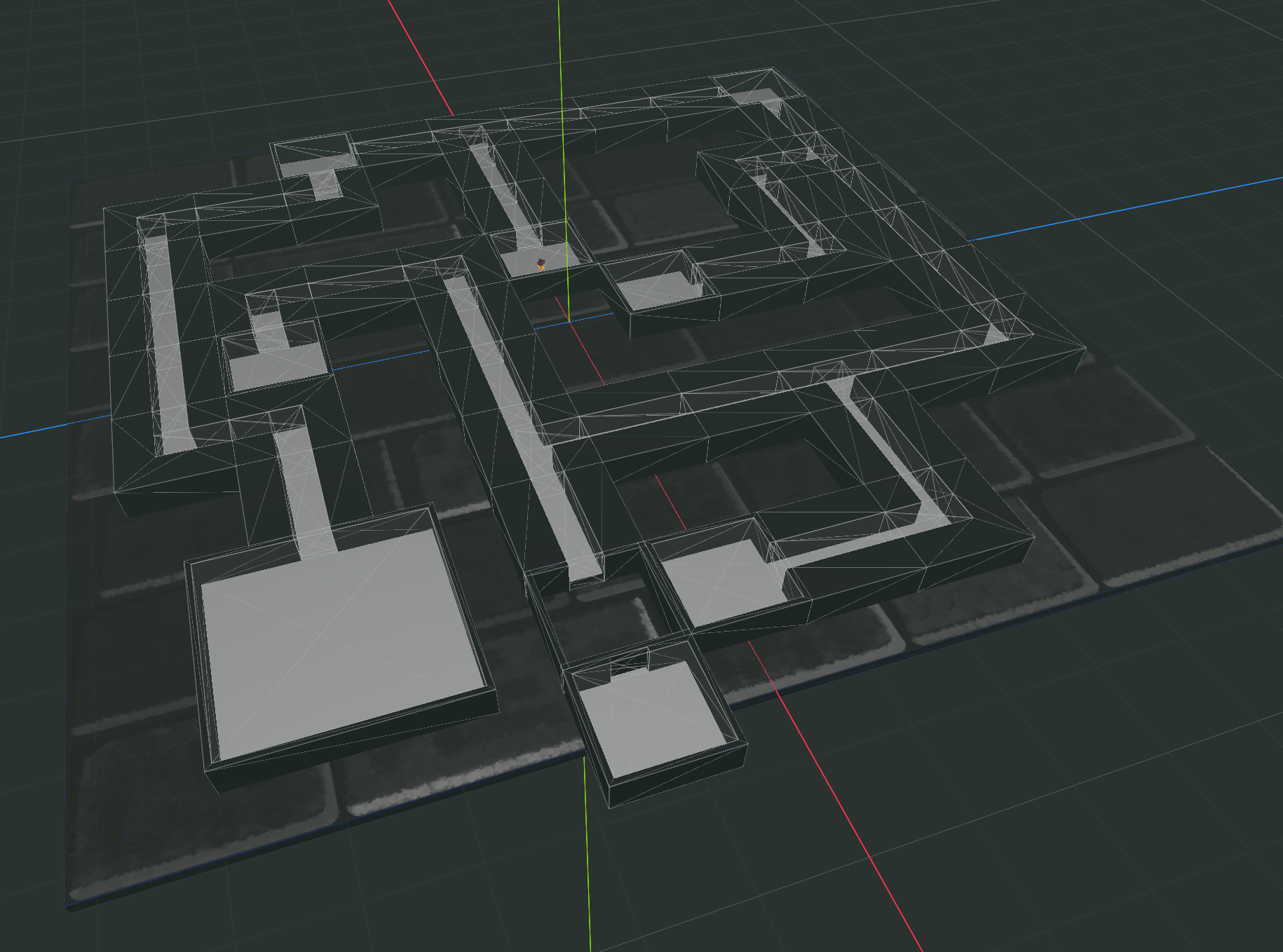
As you can see texture is stretched over the whole node.
Just go to UV1 to change the scale
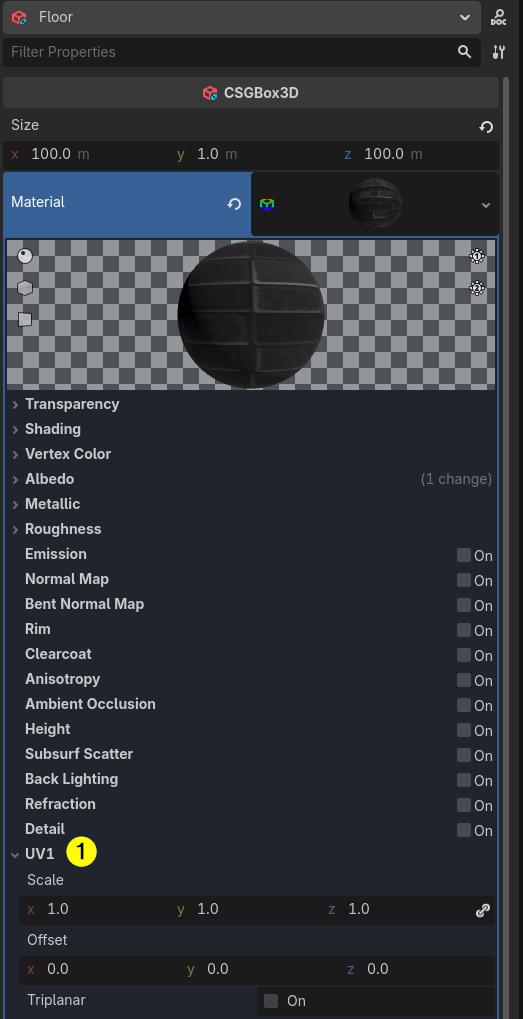
Voila
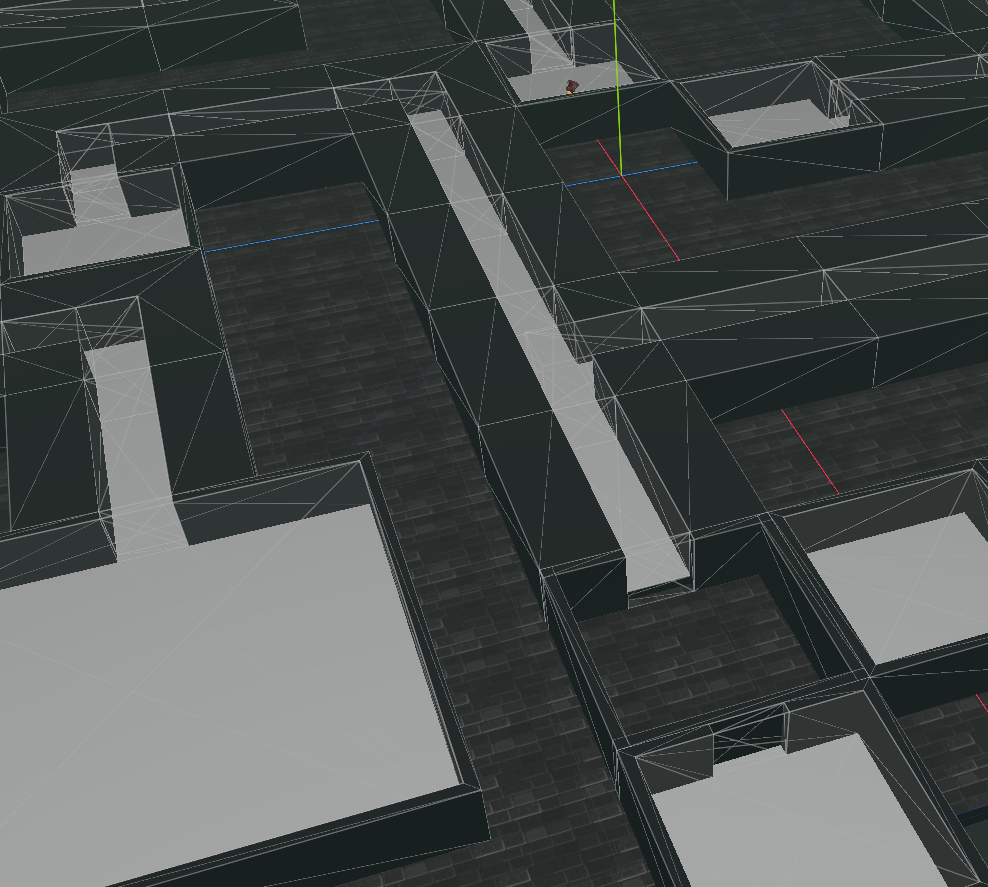
Now lets repaint the walls and doors in Blender and add them to the scene, then rebuild the scene.
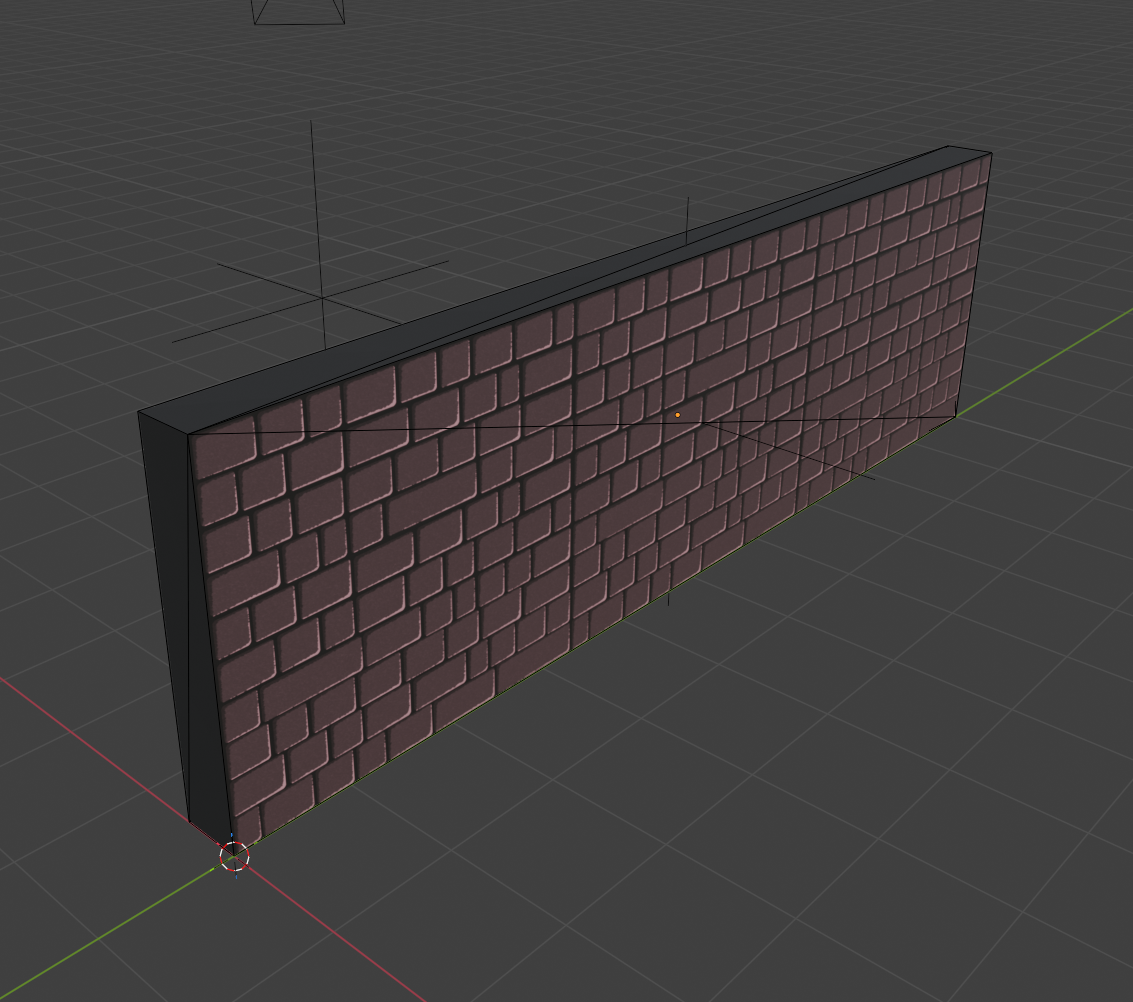
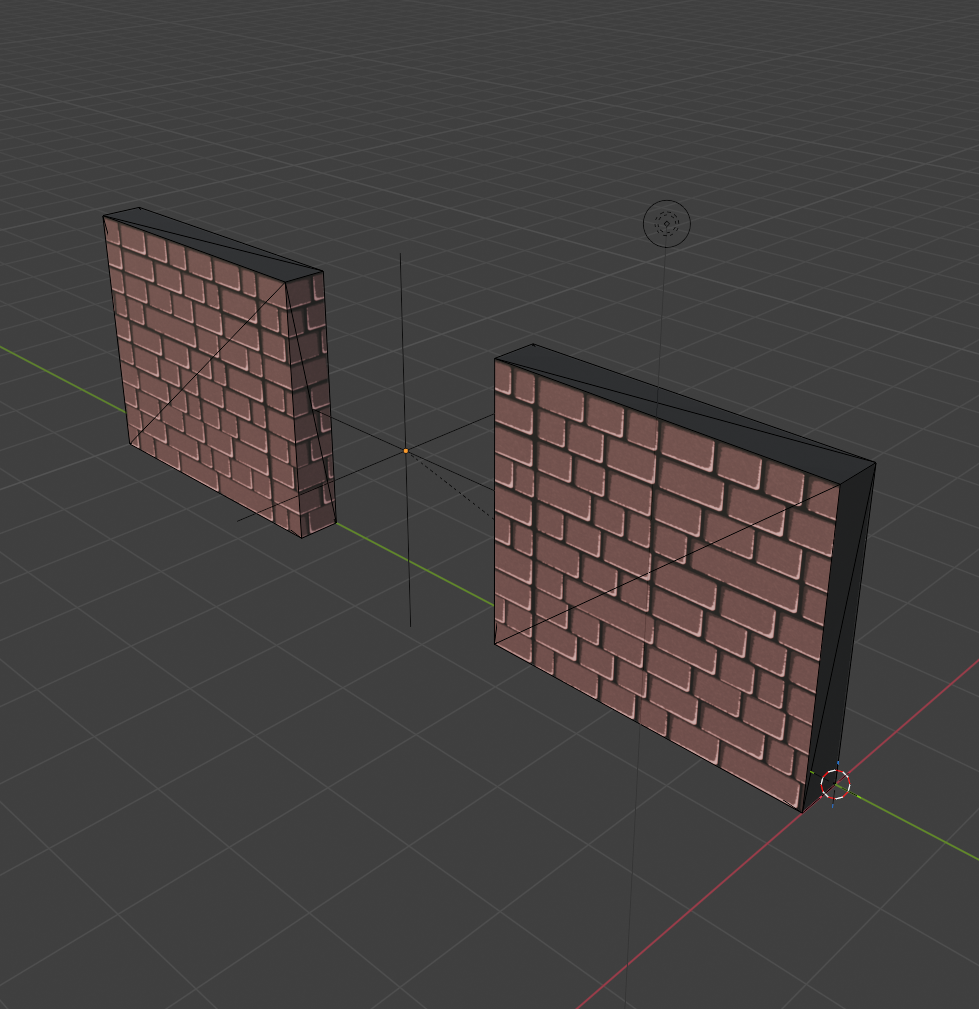
We then reeimport these glb files into godot and replace the basic building blocks wall and door.
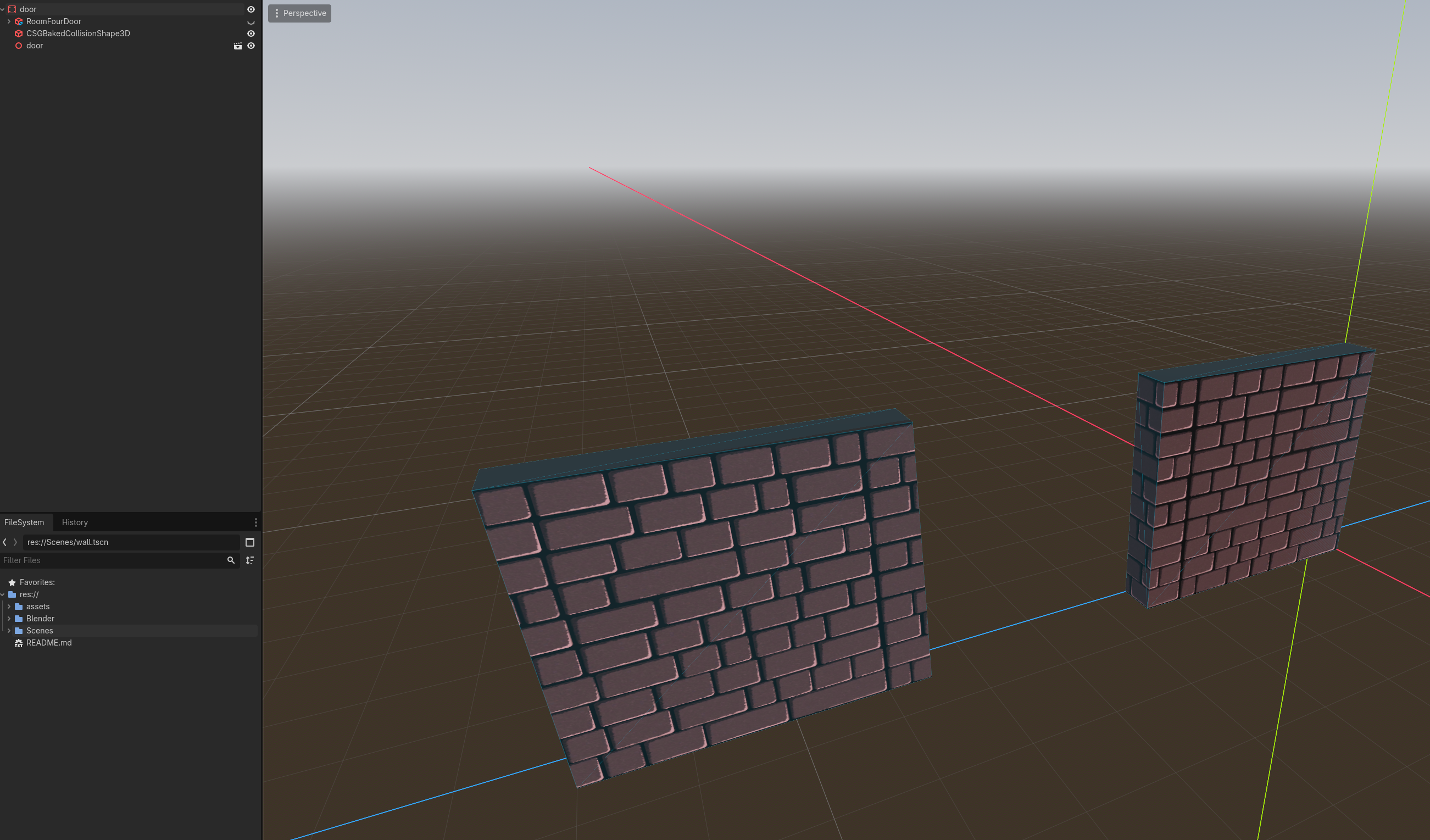
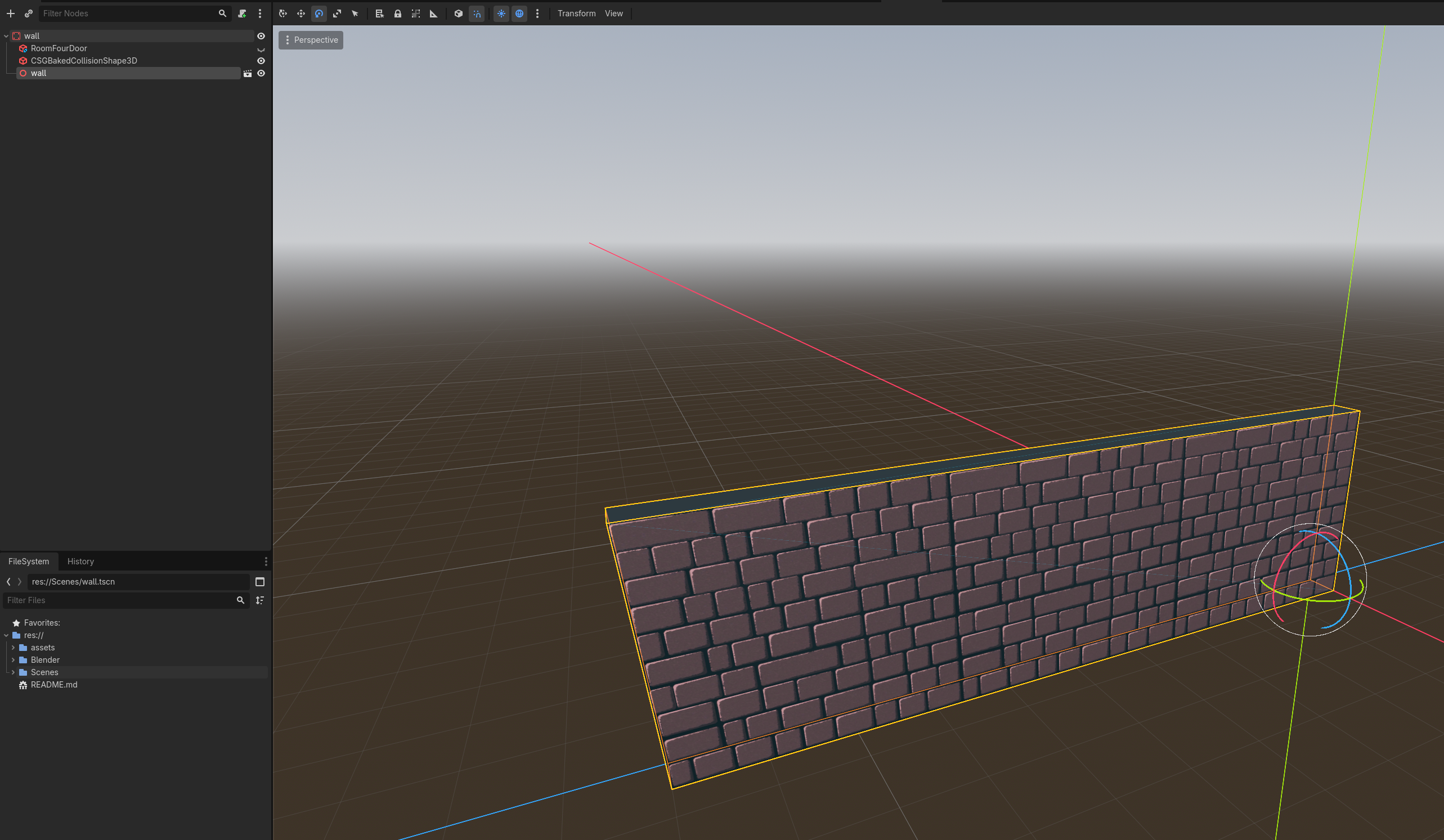
Now we can rebuild all rooms we built before out of these building blocks.
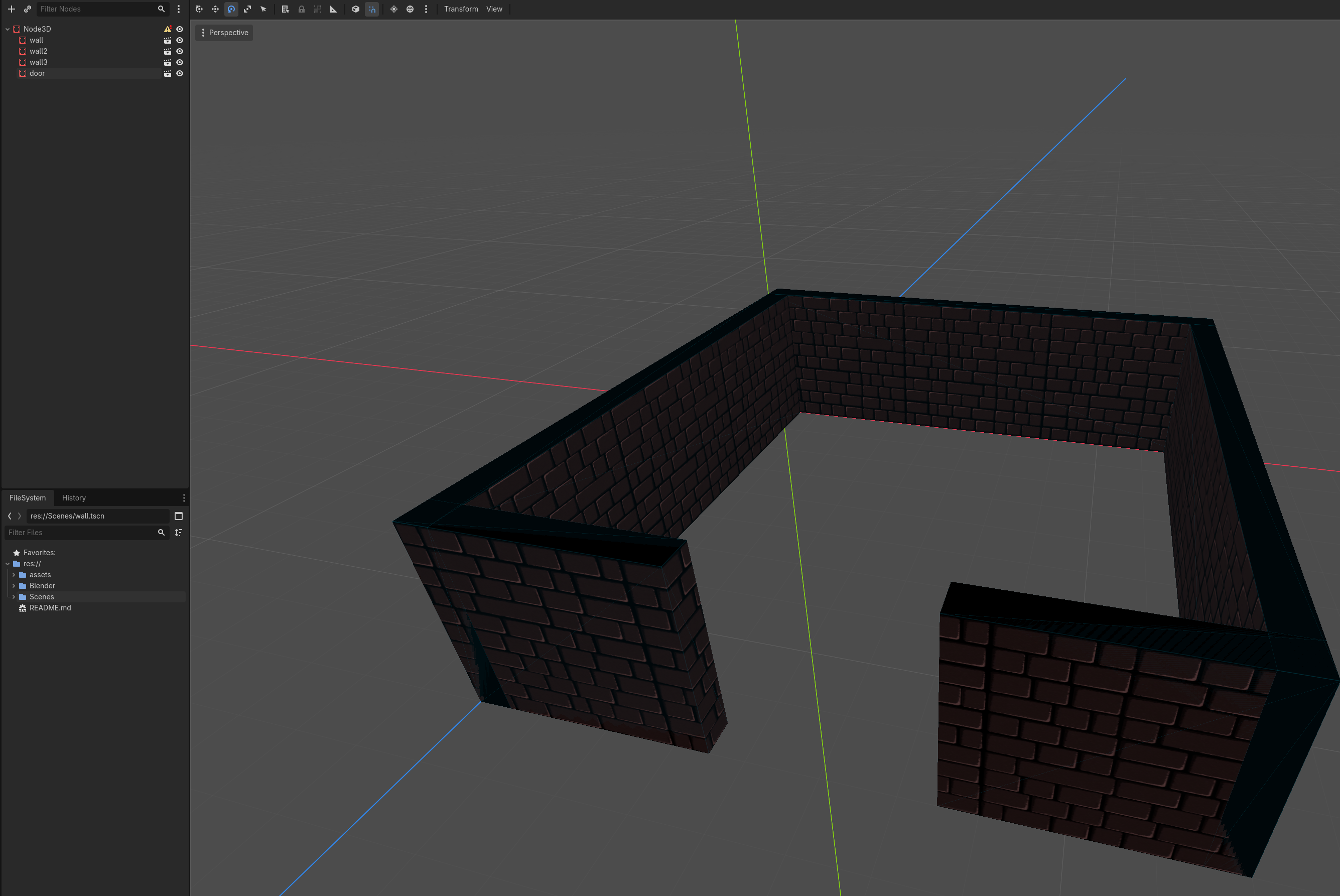
Godot is gonna error that there is not collision shape. But the instantiated scenes (walls and doors) all have collision shapes, so we can ignore this.
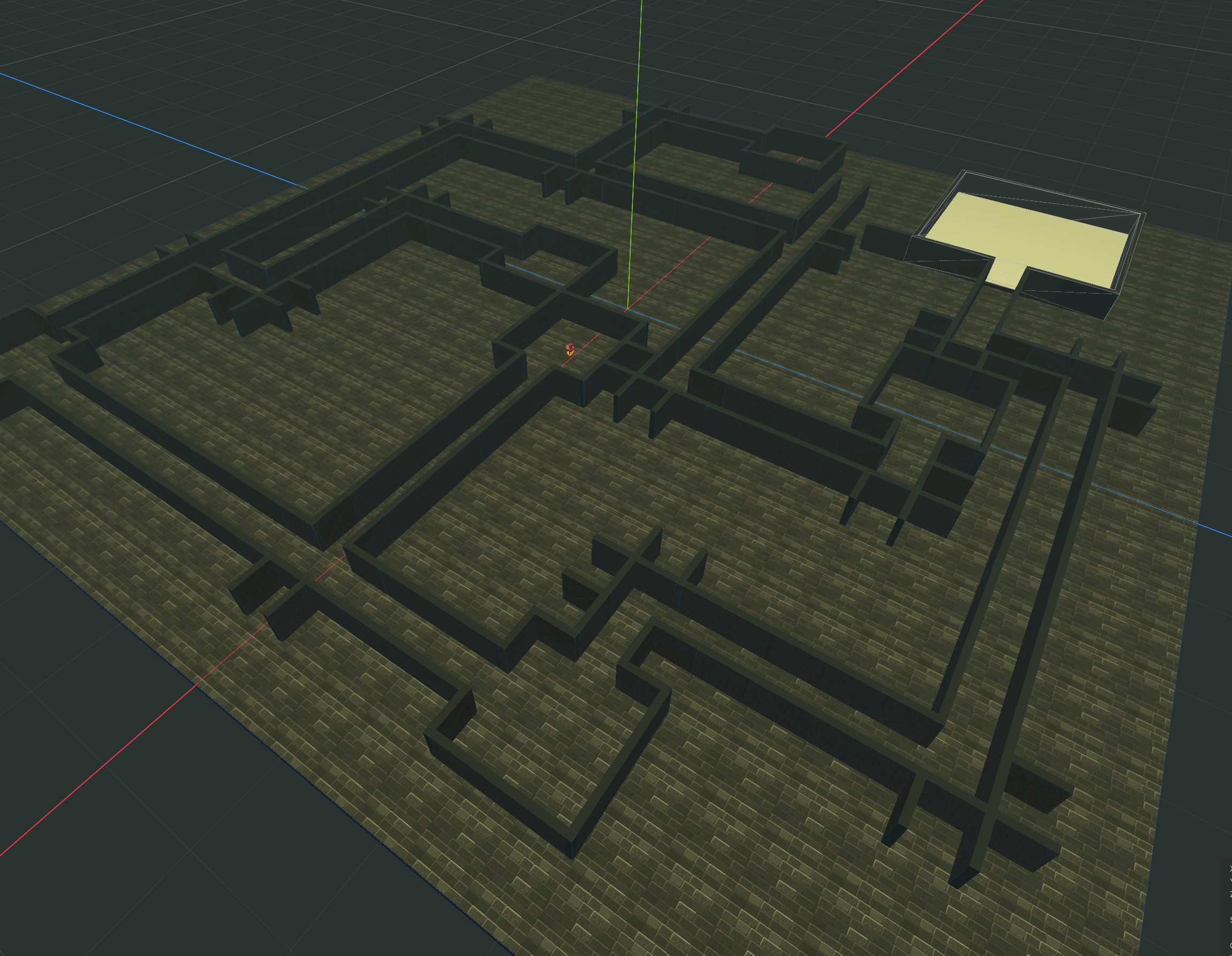
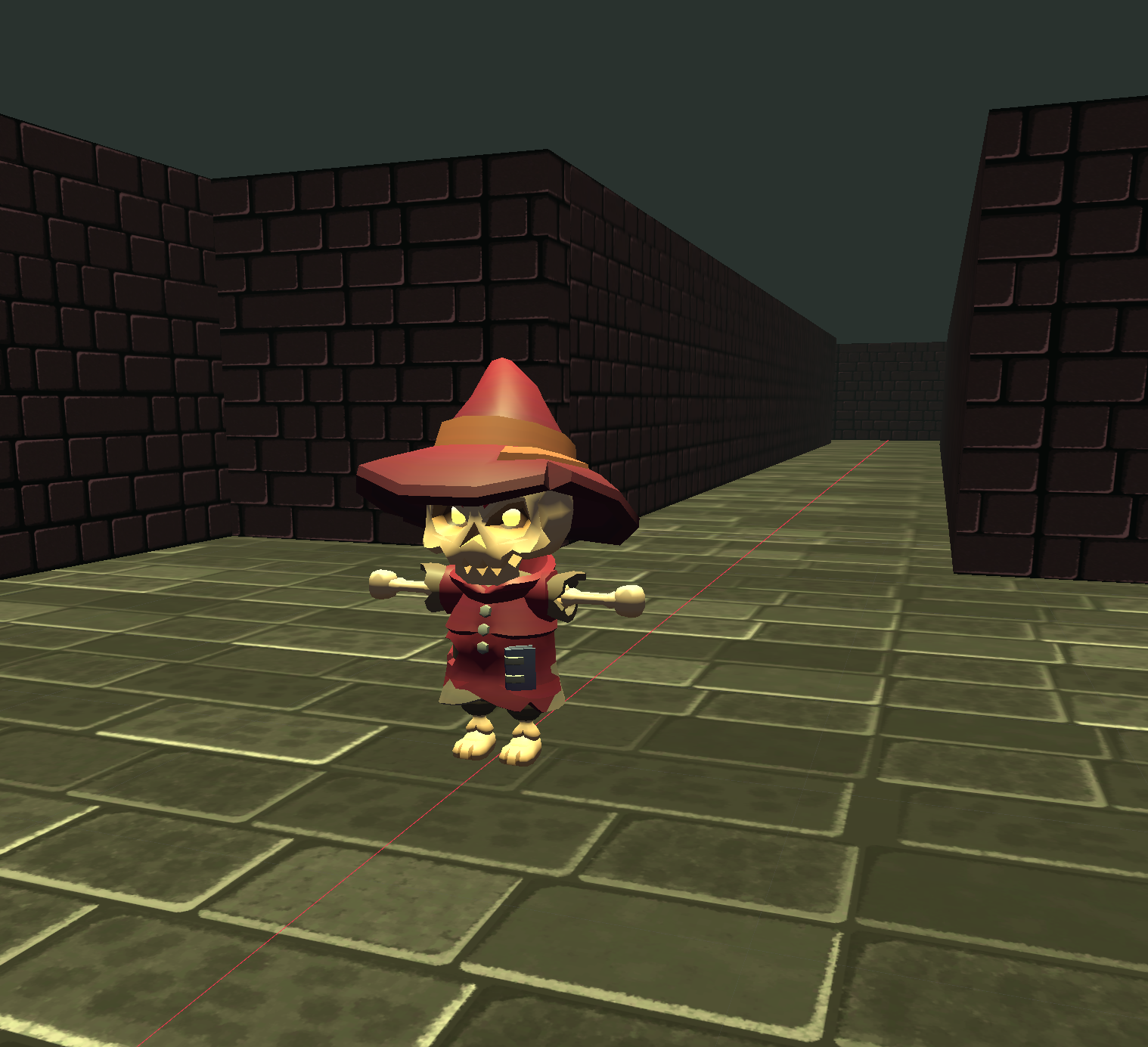
In the scene, with some green directional light, fog and the texture on the ground plus the replaced modular blocks the level now looks like this: