hobby-ish gamedev. This website contains my raw notes and documents my progress.
Low poly and baked lighting
Lets continue with low poly today, also for days now I see the term “baked lighting”, but I dont really understand it. Lets dive into that today too.
What is baked lighting? Baked lighting is a technique used to pre-compute and store light data as static data, for example as textures or lightmaps, which then dont need to be rendered in real-time, saving performance.
This way complex lighting conditions as soft shadows or global illumation can be displayed without extra performance cost.
Lightmaps (Wikipedia):
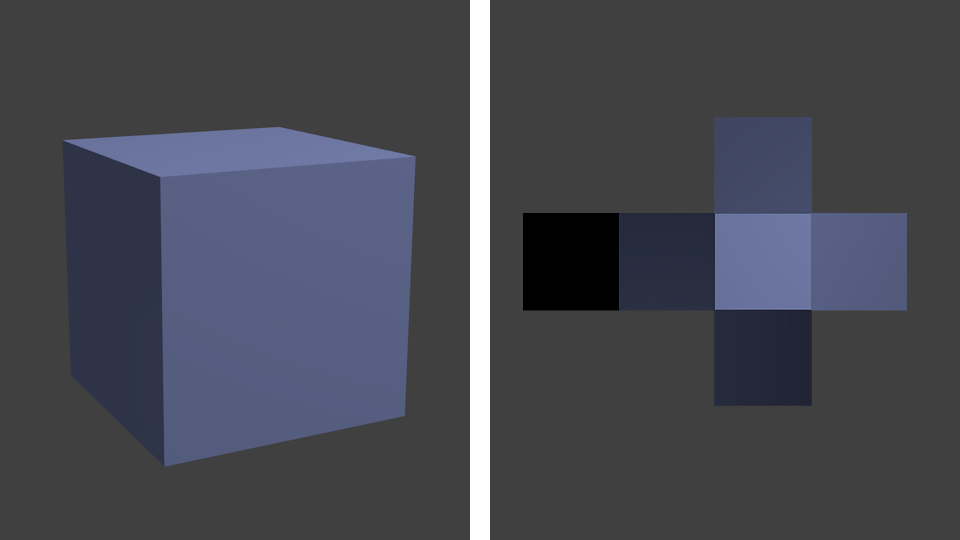
Textures that store the calculated lighting information.
Global Illumation: A group of algorithms used to create realistic lighting in 3D scenes. Examples would be algorithms like Radiosity, ray tracing, beam tracing, cone tracing, path tracing, Screen-space global illumation.
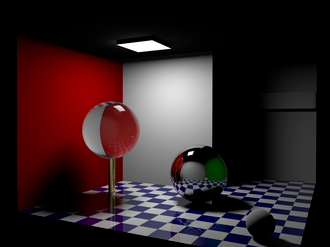
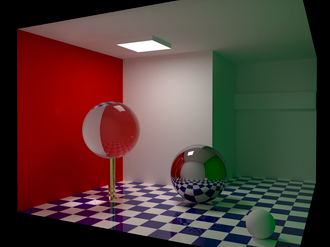
As can be seen in the example pictures, areas around the ceiling lamp lack any light. With GI, light is reflected, and even light with color transfers.
So how do we create baking lights? Your scene needs the following:
- Multiple Mesh nodes
- A LightmapGI node
-
A DirectionalLight3D node
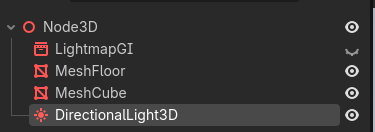
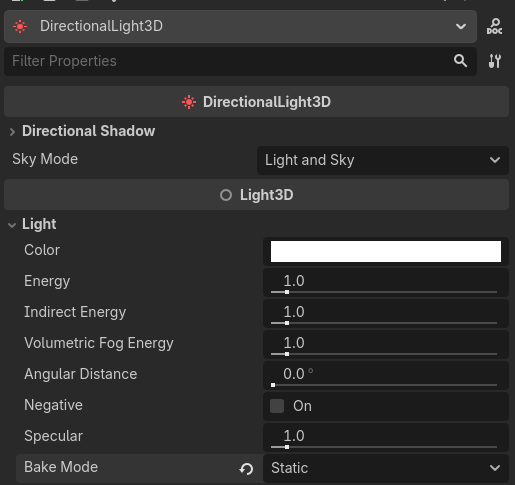
Settings for the DirectionalLight3D:
- Set a rotation which makes sense
-
Set Bake Mode to Static
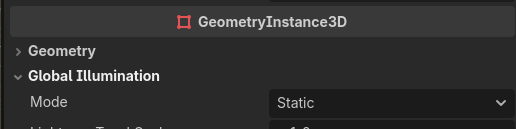
Settings for the Mesh nodes:
- Assign a mesh e.g. cube
-
Set its Global Illumation Mode to Static
Settings for the LightmapGI
- Starts at 1. Increase it to 100 and lower it from there by half in incremental steps after every baking depending on its roughness. Baking at texel scale 1 with a 10x10 mesh creates a shadow that is not visible at all.
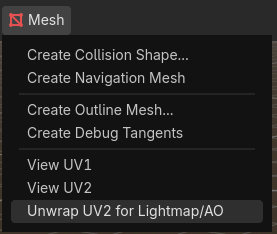
Now the UV2 Channel for the mesh nodes needs to be created. By default they dont have one, so select all mesh nodes and select “Unwrap UV2 for Lightmap/AO”.
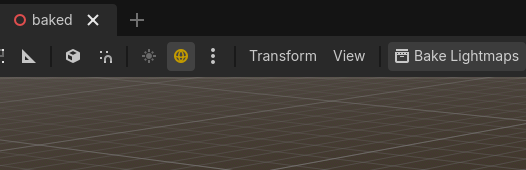
Select the LightmapGI and Bake Lightmaps. When texel scale at 100 this will take some time.
Save the file. Also, the scene needs to be saved first, otherwise you can not bake. Dont worry, the editor will ask you for that.
Result with a 10x10 floor mesh and a texel scale of 16:
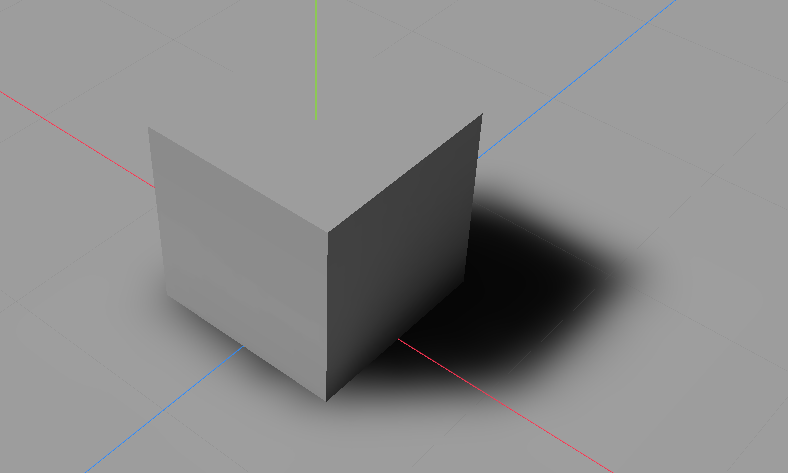
32:
“Leaking” shadows
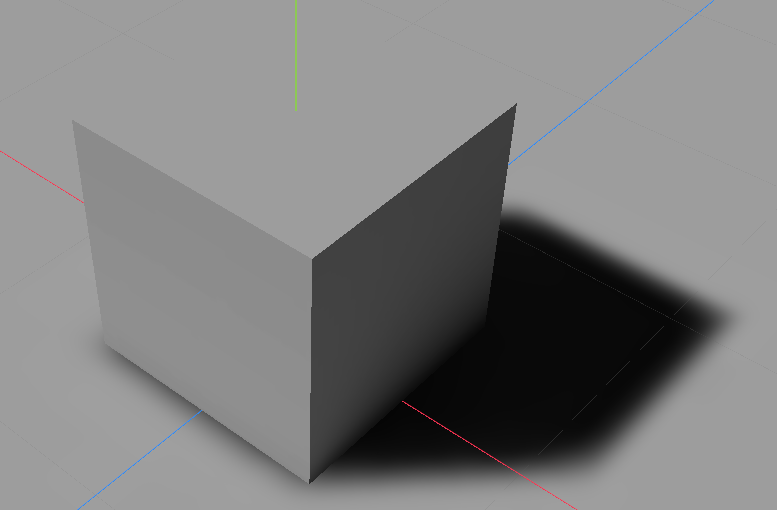
If you add a directional light to your scene and your nodes stop casting shadows, thats because you have to enable shadows for the node in the Inspector. Why do your nodes cast shadows prior to you adding a DirectionalLight? Because the editor already does that by itself until you add the DirectionalLight node. To disable the default enabled sun in the editor, check this button:

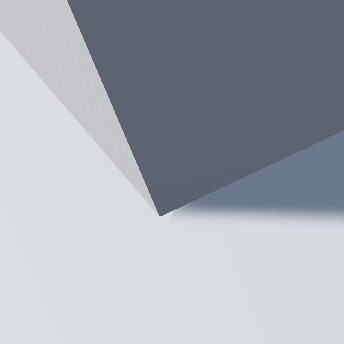
Also, if you are wondering why shadows are somewhat leaking, like when they dont exactly start at the corner of the node like in real life, thats called I kid you not “Peter Panning”. It is explained as shadows seem to appear cisually detached or floating… hence the name, as he is also flying.
The reason for that is to prevent “shadow acne” or self-shadowing artifacts. This issue can be fixed with contact shadows. But this is a problem, as godot has no builtin contact shadow implementation, the Problem is known and even 3.x had contact shadows implemented. But it was removed due to it creating issues. Unitys HDRP Pipeline seems to have it though.
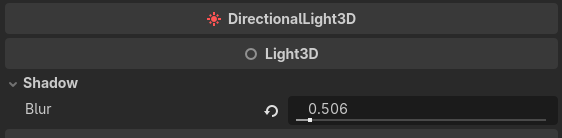
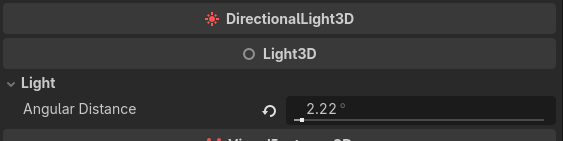
You can play around with Blur and the Pancake Size and even with the Directional Shadow mode until it feels good. Also angular distance and the shadow bias settings are values which can affect this issue:


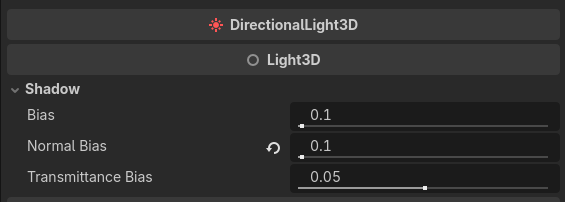
Other solutions are:
- Ray-tracing (AAA only lol)
- Art direction, hide it with fog, shadows on ground texture etc
- Switch to UE5 (built-in raytracing) or Unity HDRP
- Advanced shader code (good luck)
- Shadow planes: Create darkened planes under objects, only static
- Baked lighting