hobby-ish gamedev. This website contains my raw notes and documents my progress.
Lights in Godot
So, lights work in godot? I used Brackes tutorial as a source: https://www.youtube.com/watch?v=aRdiiWpA0AA
I can really recommend it, you will learn by playing around with it.
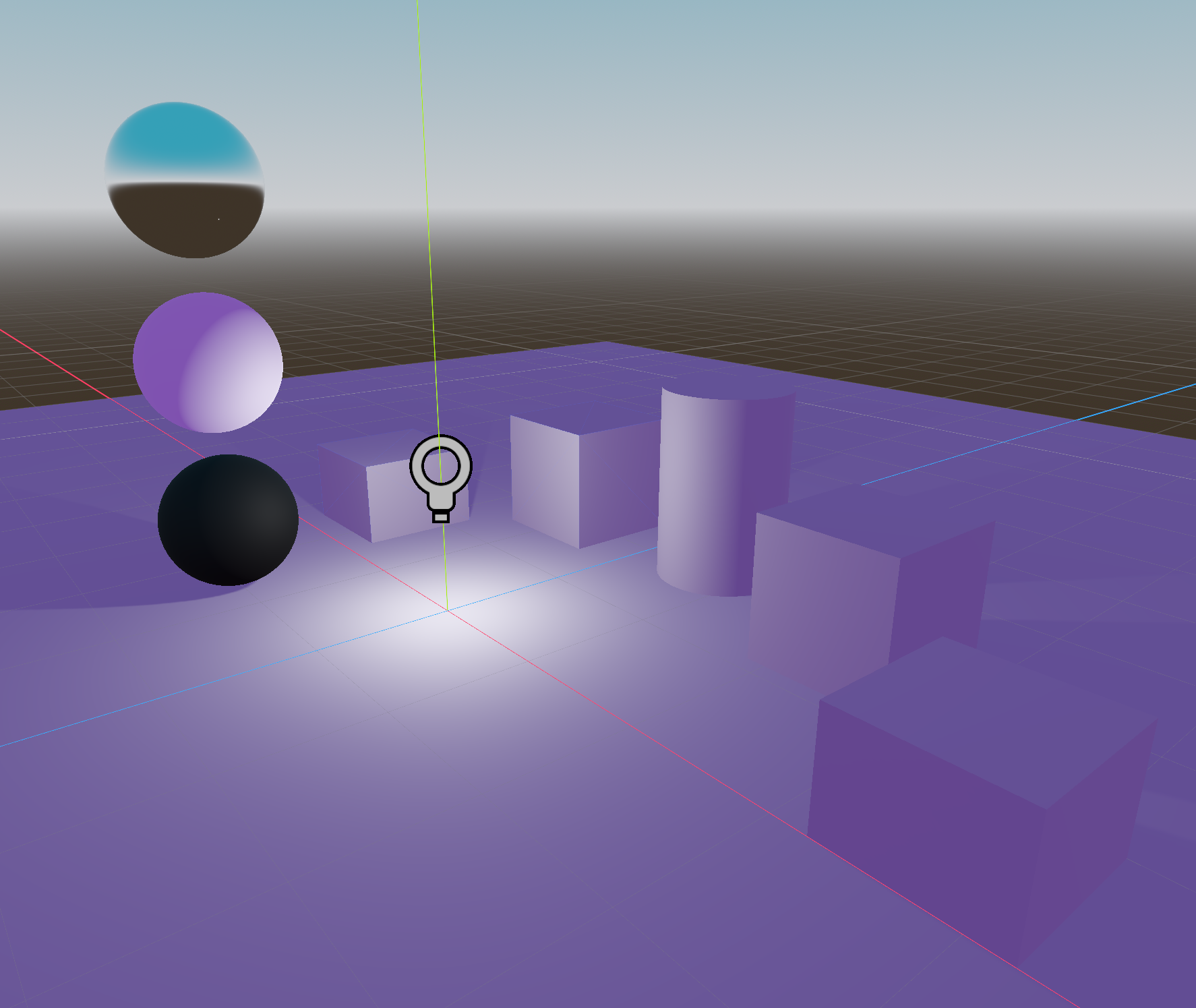
Also to give your world a real sky you can add a PanoramaSkyMaterial to your Worldenvironment.
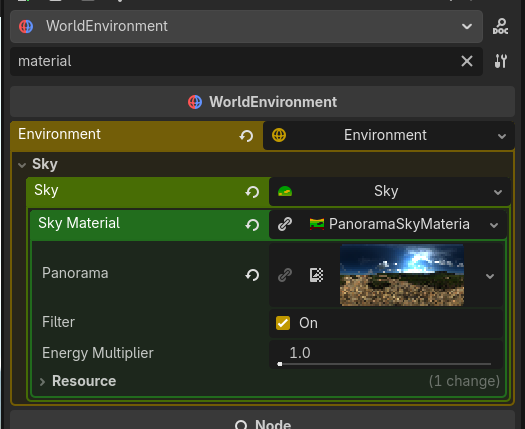
Different kind of Sky Materials can be downloaded from https://polyhaven.com, these files are in the .exr format and you can just drag and drop them into godot.
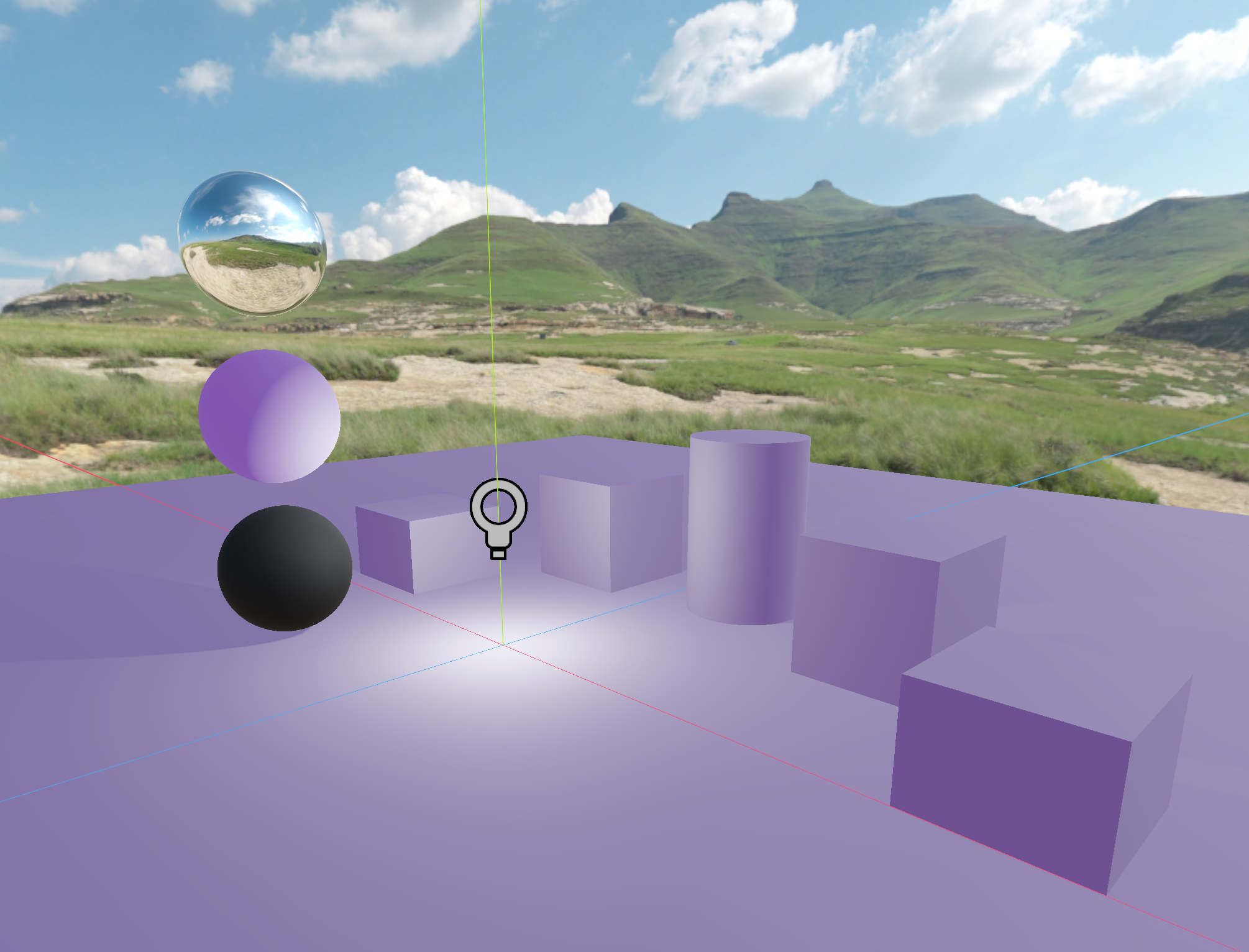
The video has a lot of content and lights in godot is a big topic. I guess the most important thing said in the video was for me the concept of having two lights for proper scenes.
key light and fill light from the classic “three-point lighting”.
The key light provides the main illumation source. This one creates the primary brightness and direction. Positioned at a 45 degree angle to the subject in mimicks natural sunlight or a lamp. The fill light, which is weaker at 1/2 or 3/4 of the key lights intensivity, has to be placed in the opposite sitdes of the subject () This works because it replicates real-world light behaviour.
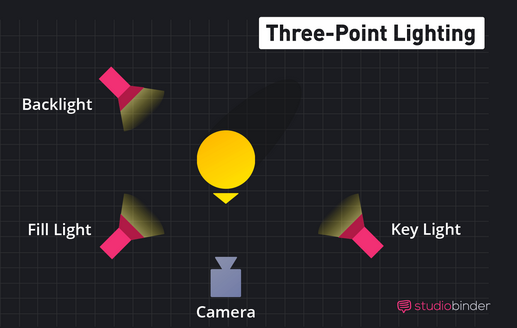 (Illustration for placement from “studiobinder”)
Two other things:
Using fog as not only fog, but for simulating impurities in the air just like in real life. Reduce its intensity until it doesnt look like normal fog, and you can simulate impurities.
Finally, lights get reflected by other objects just like in real life, they even adapt the color of the light source they are reflecting. Something which does happen in everything we can see, but its not part of a default scene if you do not implemented. Without it, the game itself can feel unreal and fake.