hobby-ish gamedev. This website contains my raw notes and documents my progress.
Shadows deep dive
I havent met my daily quota yet, lets get crackin.
First, I have to finish the baking light post, I struggled for days and got distracted by related topics which I dove into. After 5 days I finally got it, the main issue for the inconsistency when creating baked lights over multiple versions and projects.
Texel Scale. When building my training environments I never changed these values, and I guess in combination with the meshes I used a shadow was never cast on the floor. Probably because I used a single mesh for the floor which I just scaled up. As the mesh itself is just 1x1 my guess is that the default texel scale extended over the whole surface, which looked like there was no shadow cast. But there was, and after increasing the Texel Scale in the LightmapGI node and the floor node the shadow was finally visible.
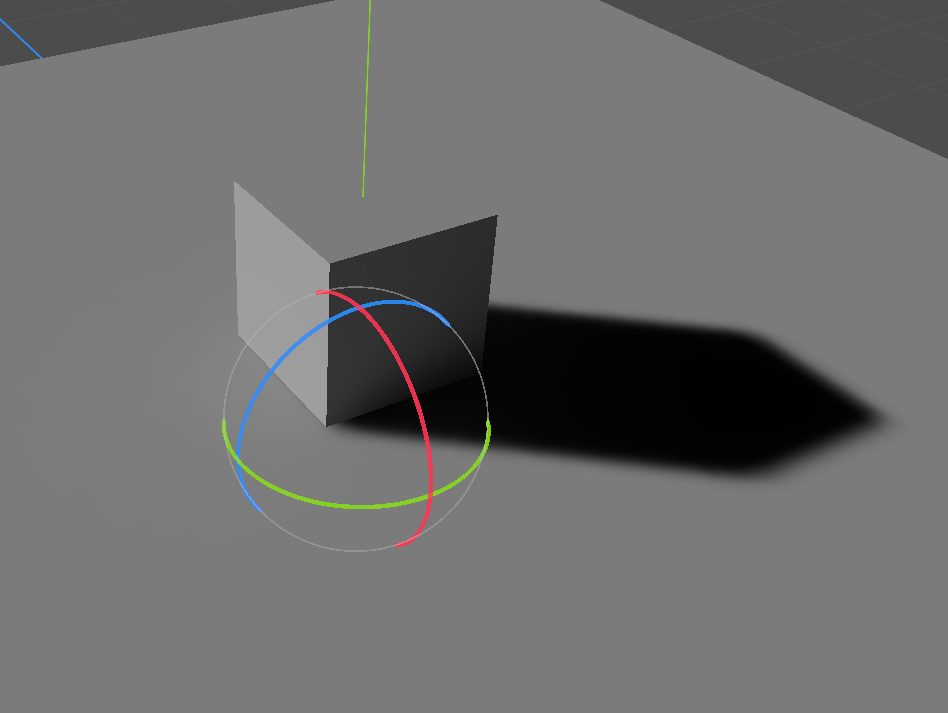
Lets change up the floor and test if that was really the case.
You dont even have to have shadow enabled in the DirectionalLight.
Interesting, when duplicating the mesh and with default texel values the result looks like this:
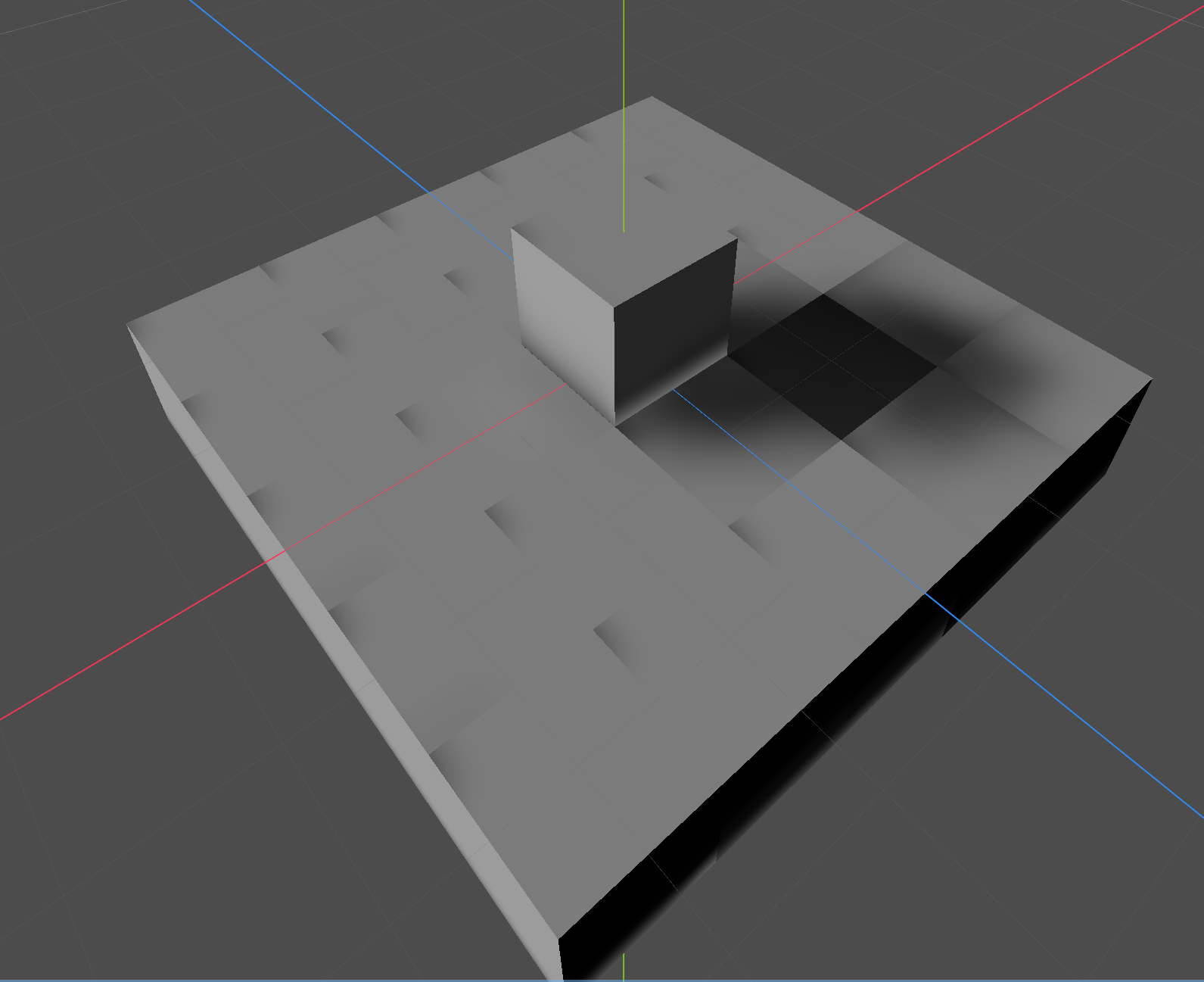
Looks like my guess was not 100% correct. But at least there is a shadow now visible on the first try.
After increasing the texel size of the LightmapGI this is the result:
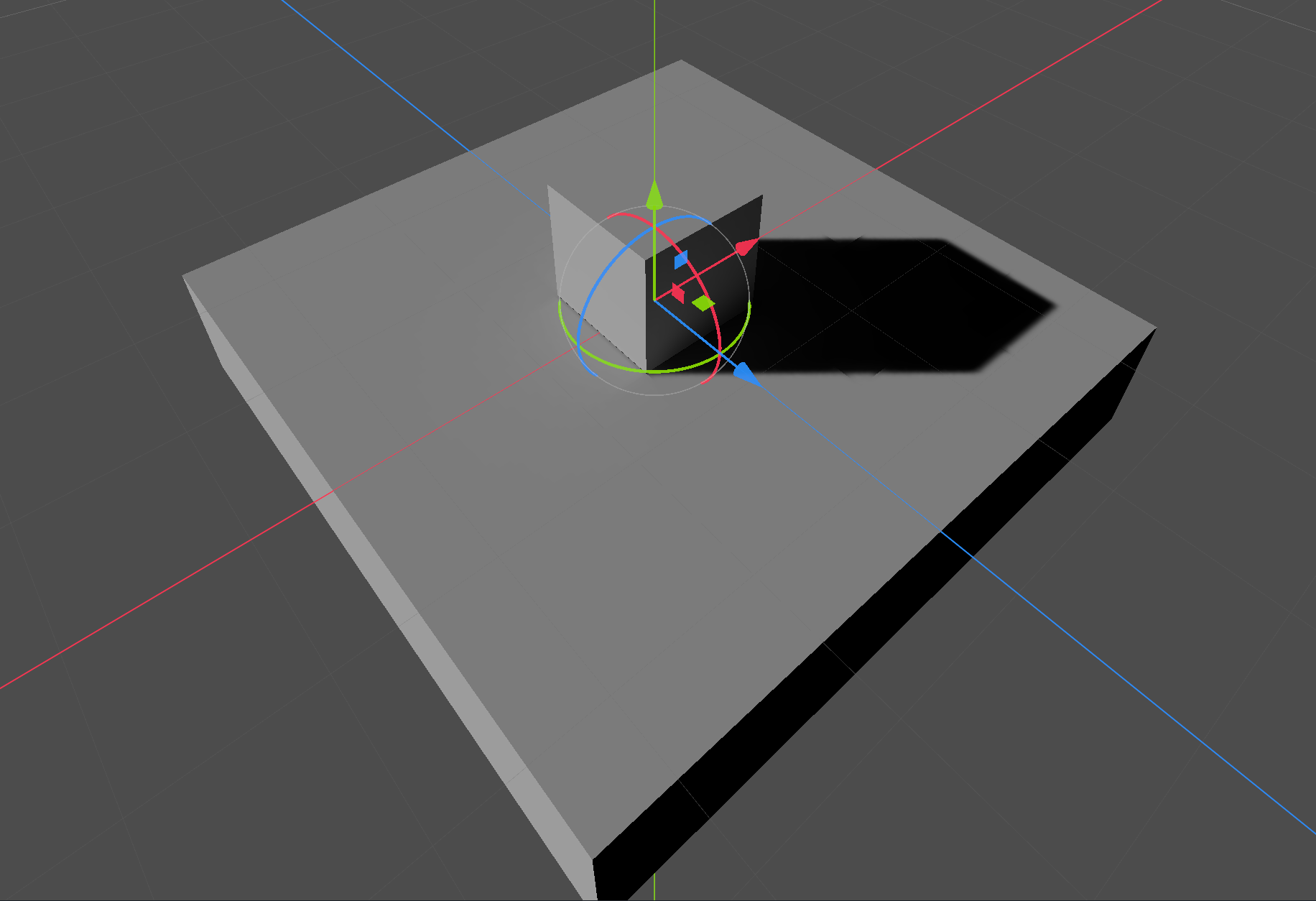
So the issues in the corners were fixed and the shadow looks better than before.
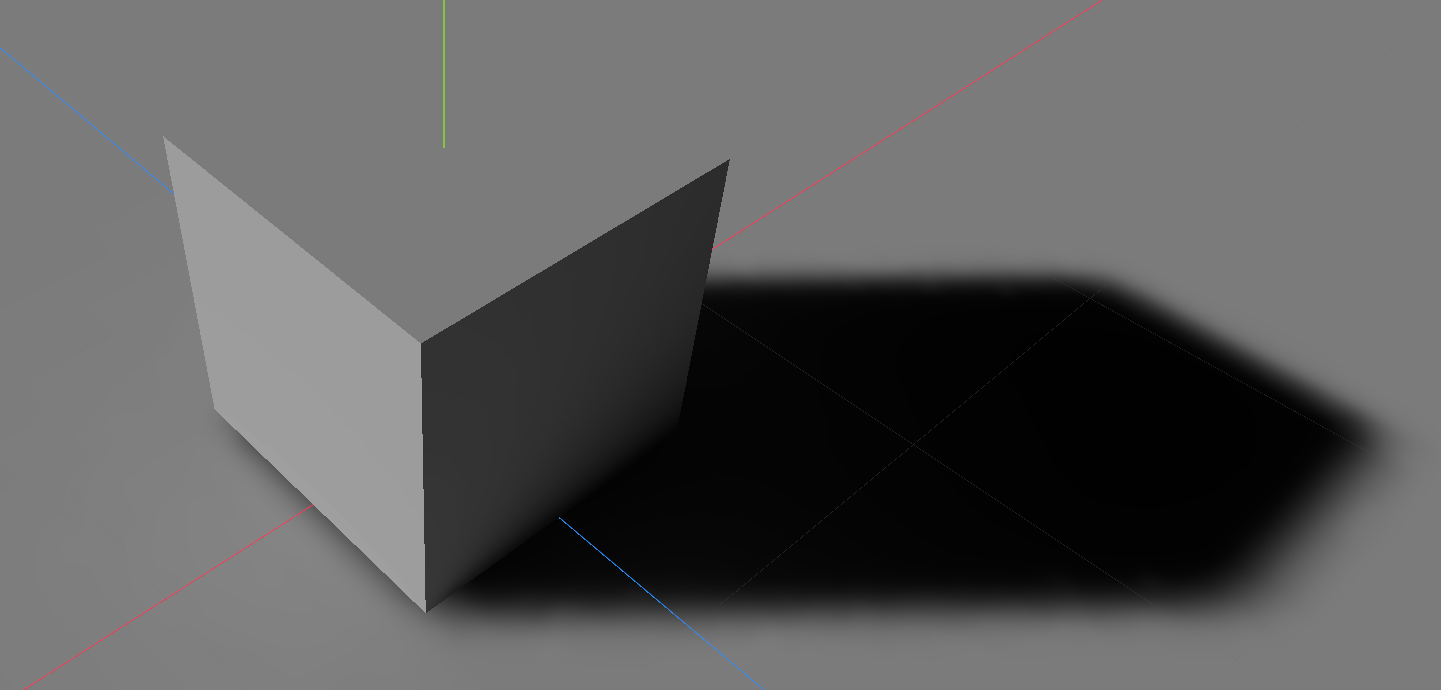
To test I again removed all additional mesh floor nodes and created a single one. This time i didnt scale it up to 10x10 but to 20x20.
10x10
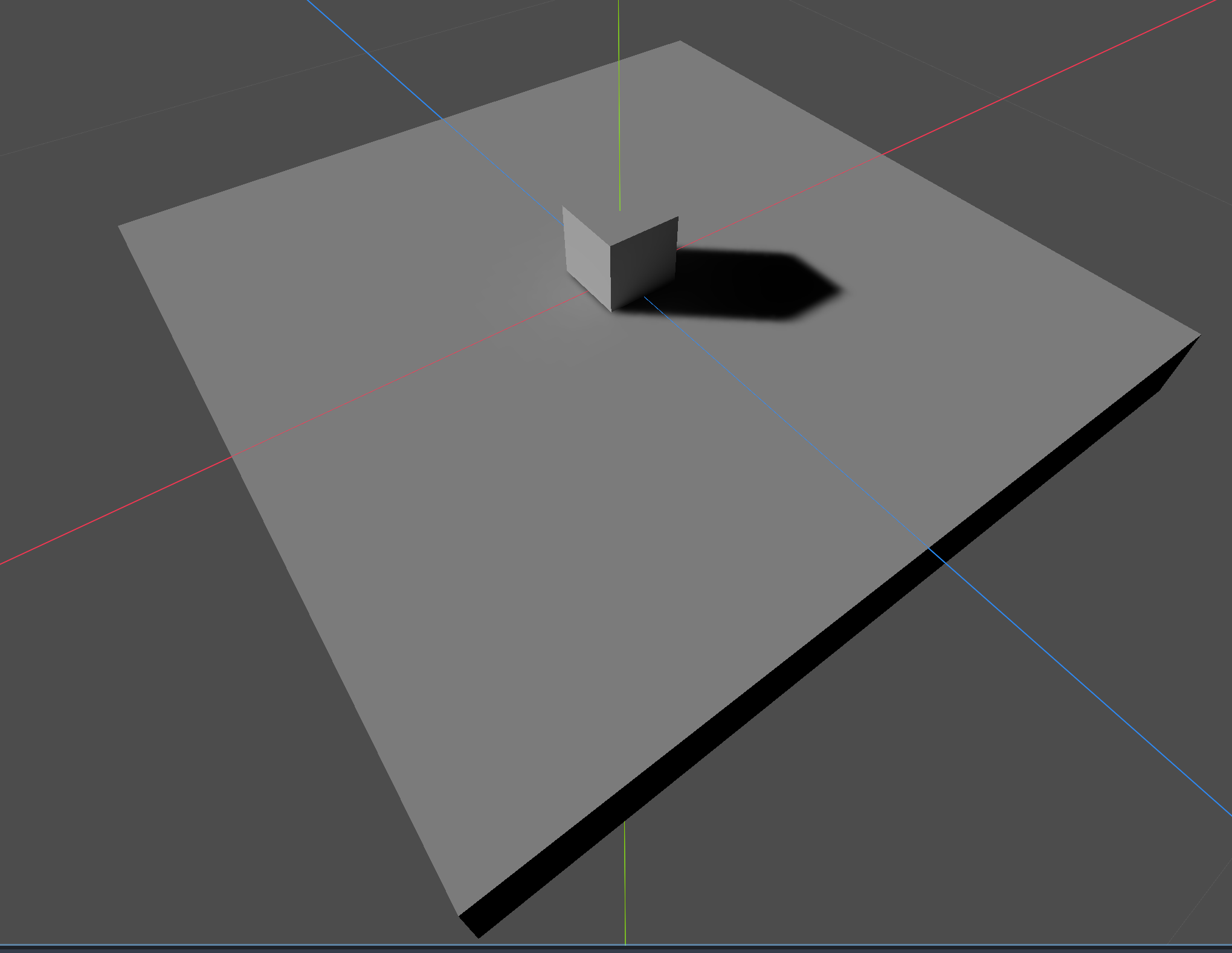
20x20
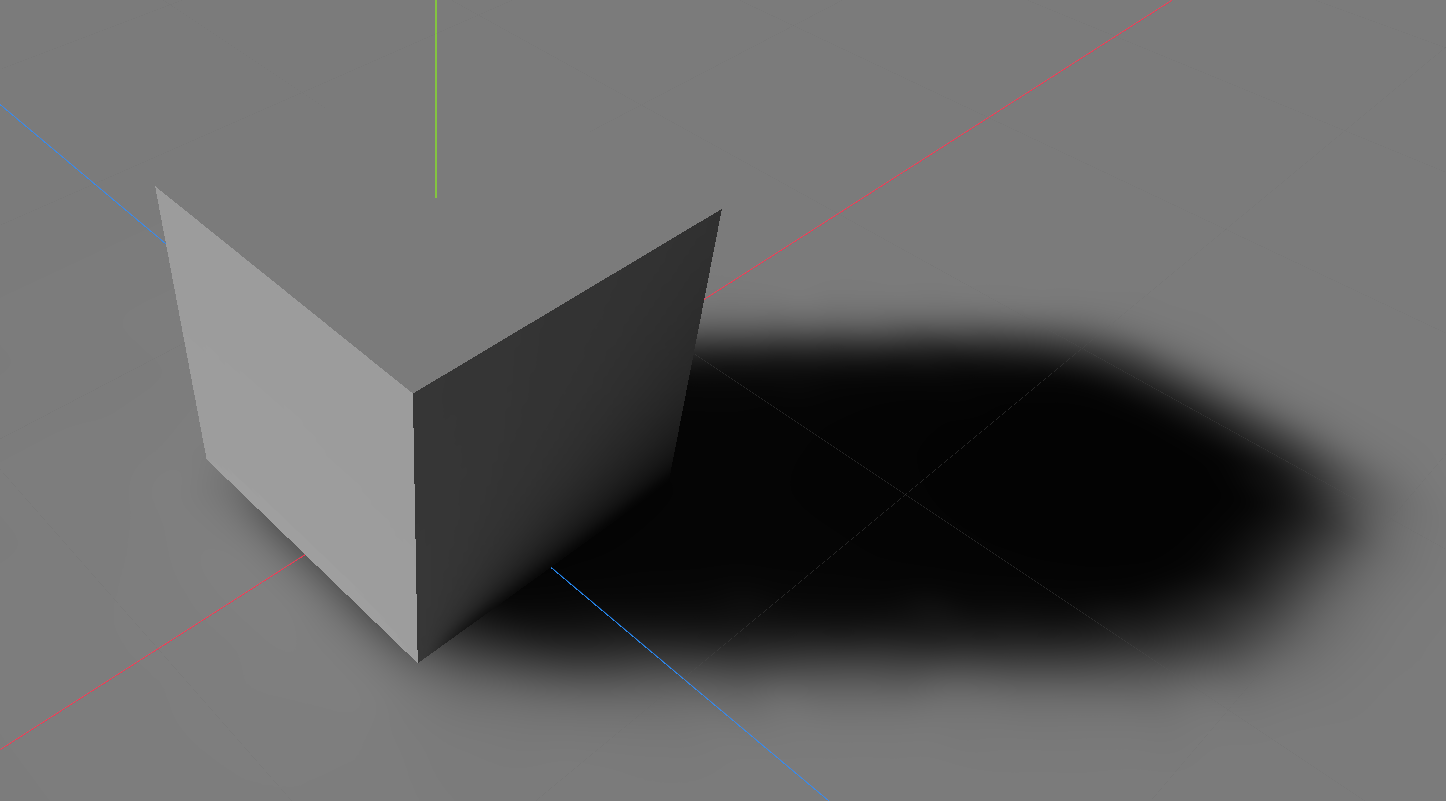
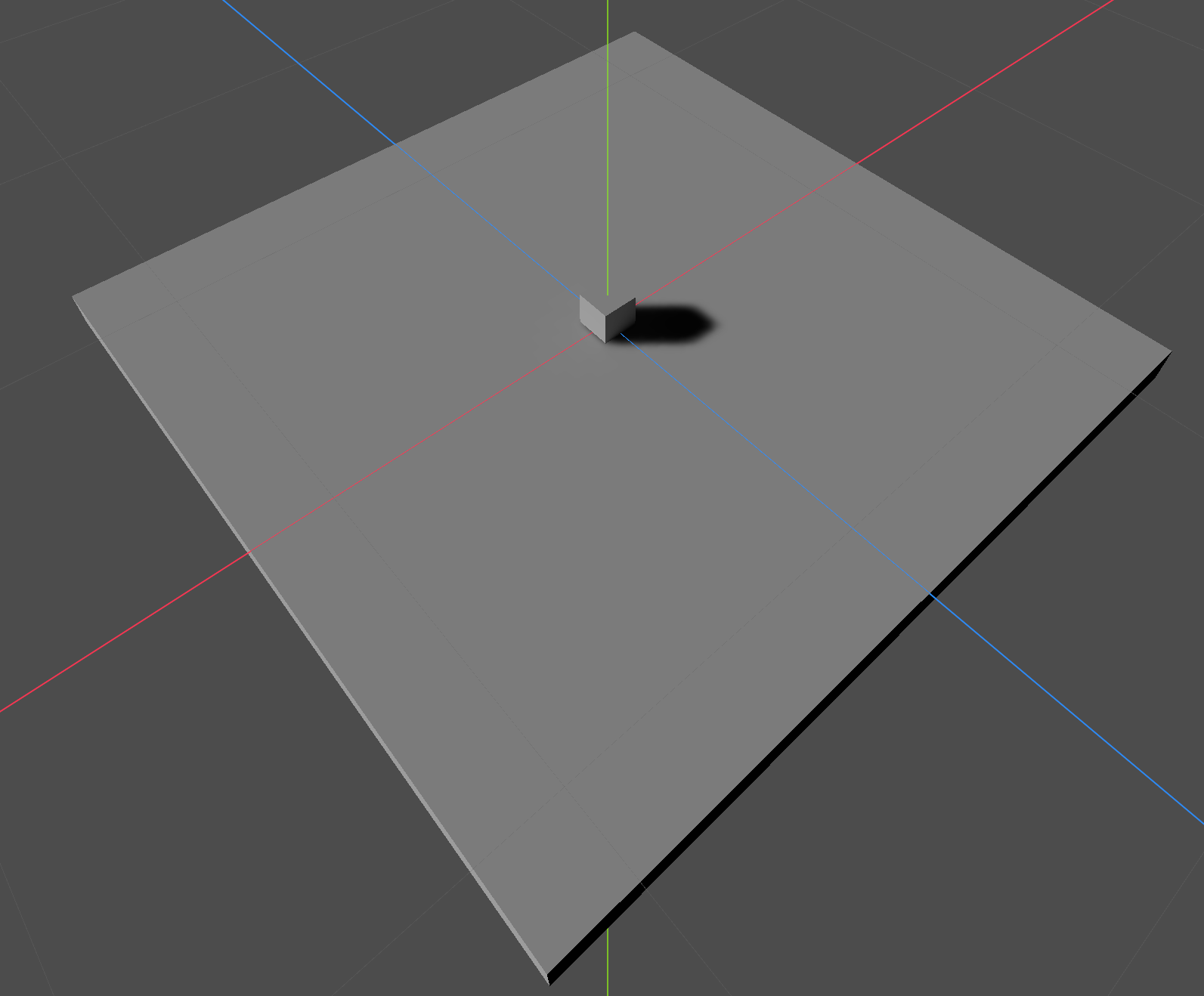
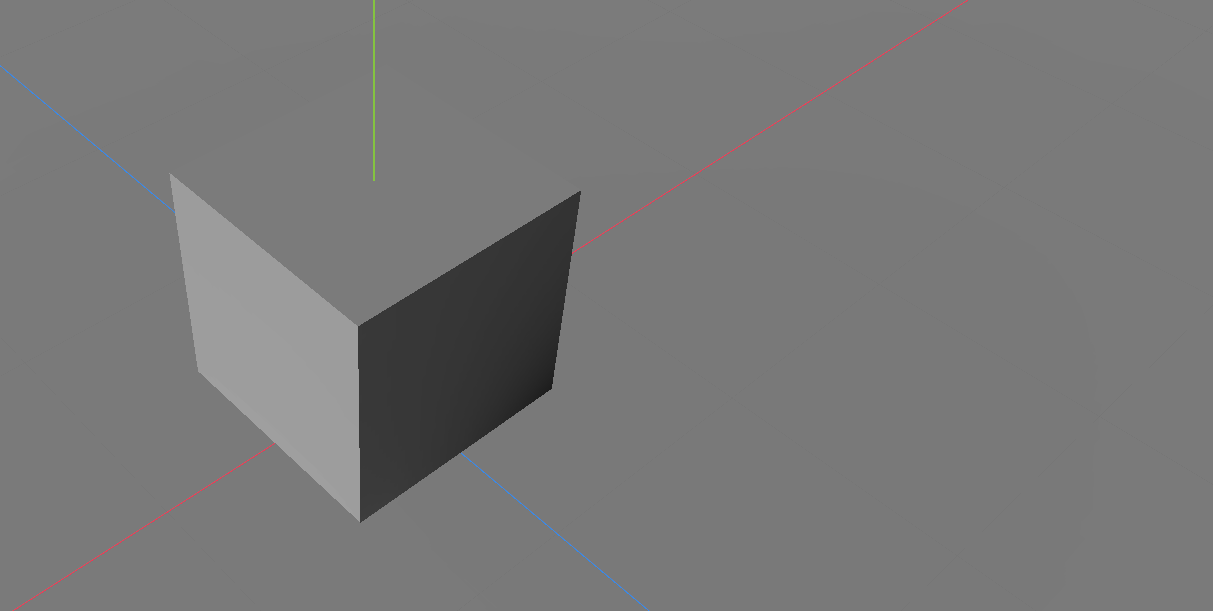
As you can see the shadow has the same size, but it is not as sharp as before. Scale it up to 200x200 and the shadow disappears:
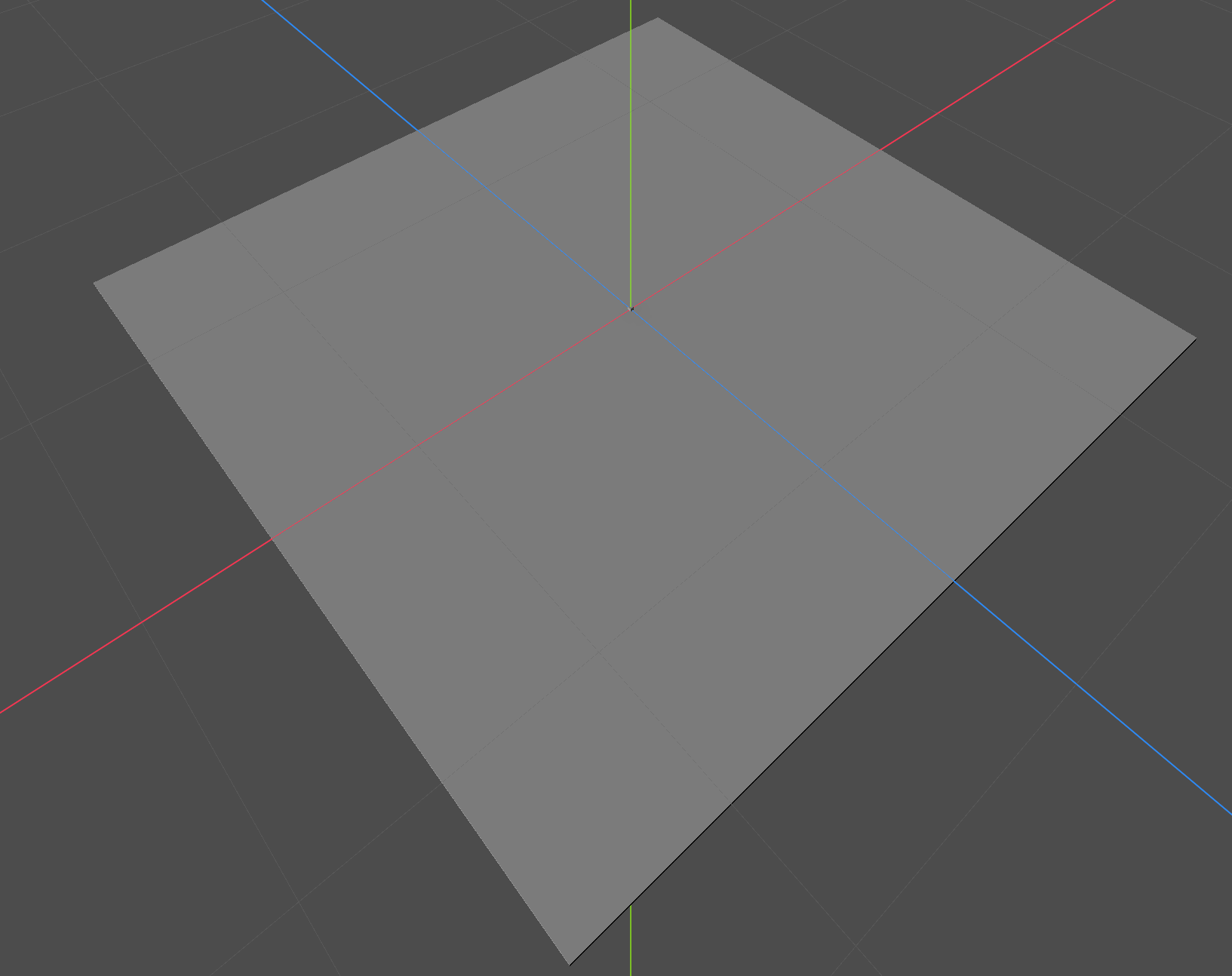
Why does that happen? Because of the way how texel scale works. What is the texel scale property?
World unit: The standard measurement system in Godots 3D space. A mesh cube has the default of 1 x 1 x 1 world units.
- It determines how many texture pixels map to each world unit (default is 1 pixels/unit)
- So when the floor mesh is scaled up the world space is scaled up, but the texel scale stays fixed.
- Therefore, the lightmap becomes lower resolution relative to the mesh size.
If the scale is increased from 1x1 to 10x10, the area is increased by 100x, but the lightmap resolution stays the same. Bigger the mesh, less fine the details (shadow gets blurry). As you have seen the shadow stays the same size, so the initial thought that the shadow gets extended over the bigger surface is not correct. But, the shadows visibility on the lightmap depends on having enough texel resolution to capture it. The bigger mesh just lacks the needed pixel density.
A pixel is a picture element in 2D. A texel is the same thing but for textures applied to 3D models. Texels = texture pixels.
Increasing the texel scale increases the total lightmap resolution, which also inhabit the shadow pixels. Which means, if the scale is bigger, the shadows visibility increases. But this also increases baking time.
I guess the easiest way to remember all this is to imagine that a texel scale of 64 uses 64 pixels per world unit. If you have a 1x1x1 mesh cube and a texel scale of 64 the total lightmap resolution is 64x64 (=4096) pixels.
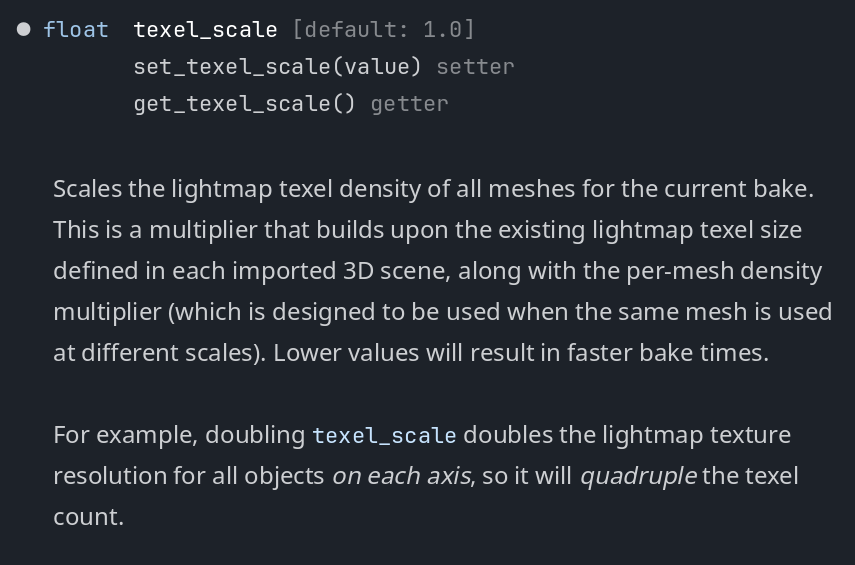
Example with Texel Scale set to 100 in the LightmapGI on a 10x10 mesh floor:
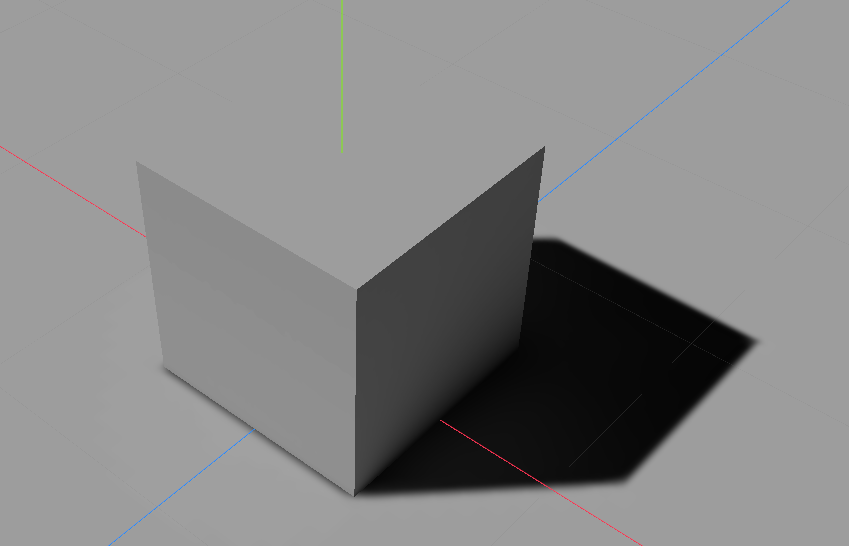
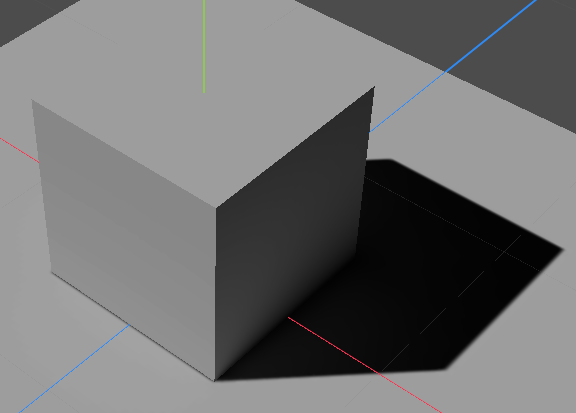
4x4 mesh floor:
I guess I am finally done with baking lights. That was something I lost interest in because it didnt work for multiple days and I am not keen in investing much time in one single topic, just because I want to iterate things fast and I finally want to create and finish a game.
But I guess I need to understand the basics first.