hobby-ish gamedev. This website contains my raw notes and documents my progress.
Godot to Blender Pipeline
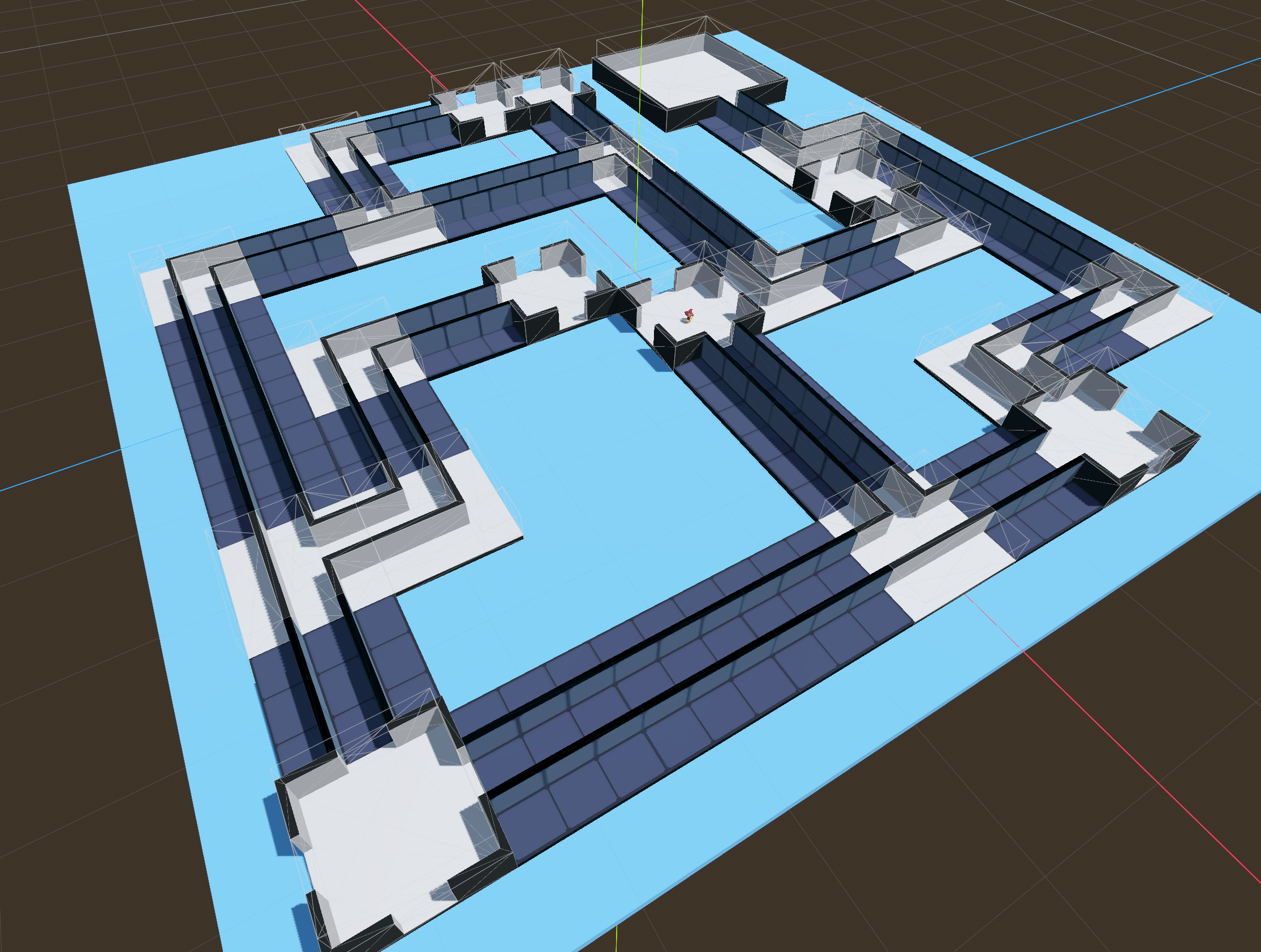
As I have my prototype level figured out, it is now time to export them to blender and UV map them. As far as I understand I can assign textures that way, which is needed for my recettear dungeon inspired game.
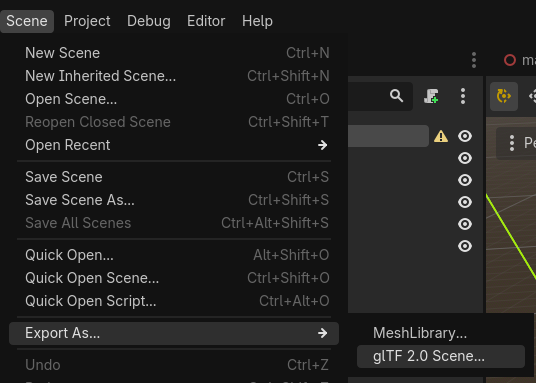
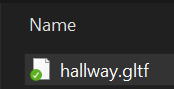
Select the scene with the building block you want to edit in blender and export it to gltf:
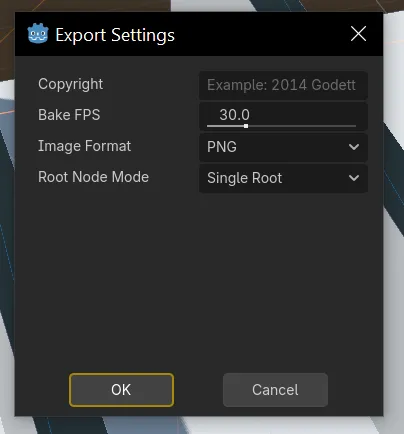
Dialog window appears, I left everything at default:
After that, import the gltf file into blender.
Go to the shading tab:
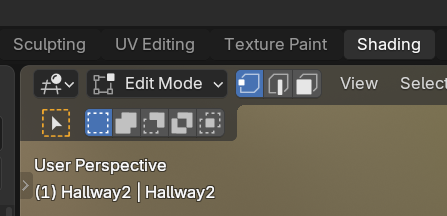
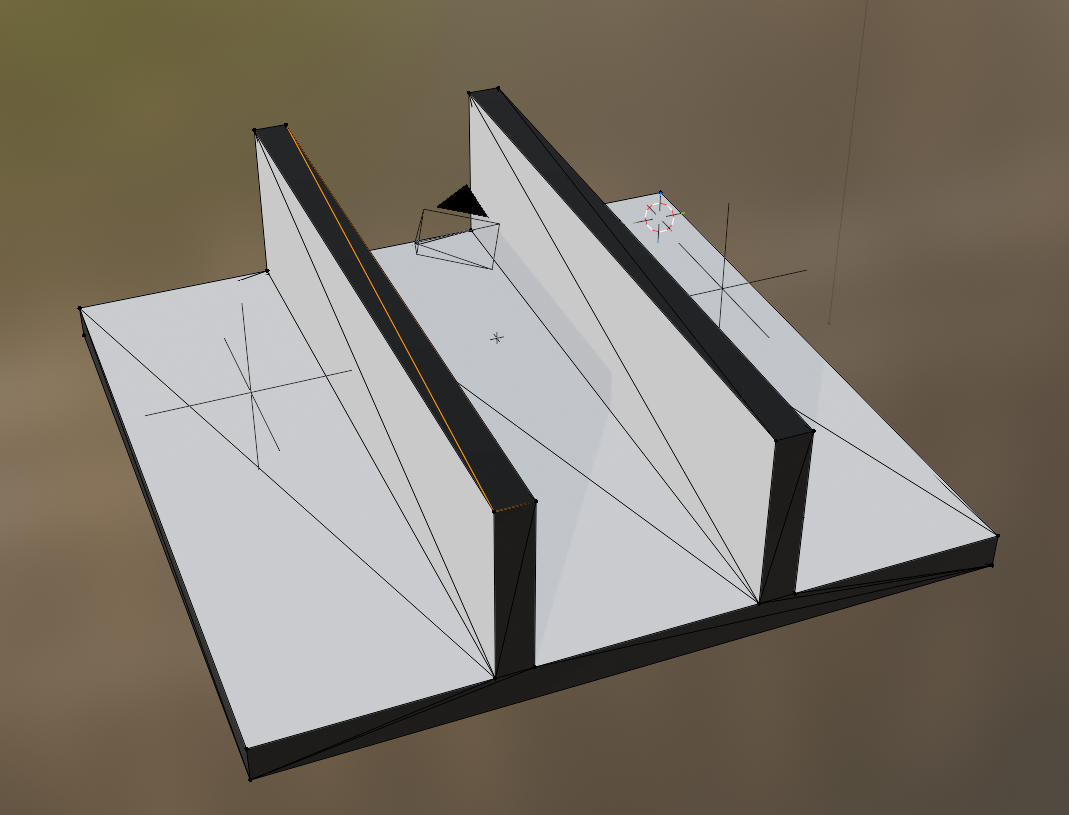
If you can remember I assigned a black color to the mesh because I wanted better visibility when prototyping the dungeon. This black color wasnt assigned to the areas where a substraction was done. This is no issue, as you can just select these different areas in blender and assign any texture you want.
Add an Image in the bottom part, by clicking shift+A:
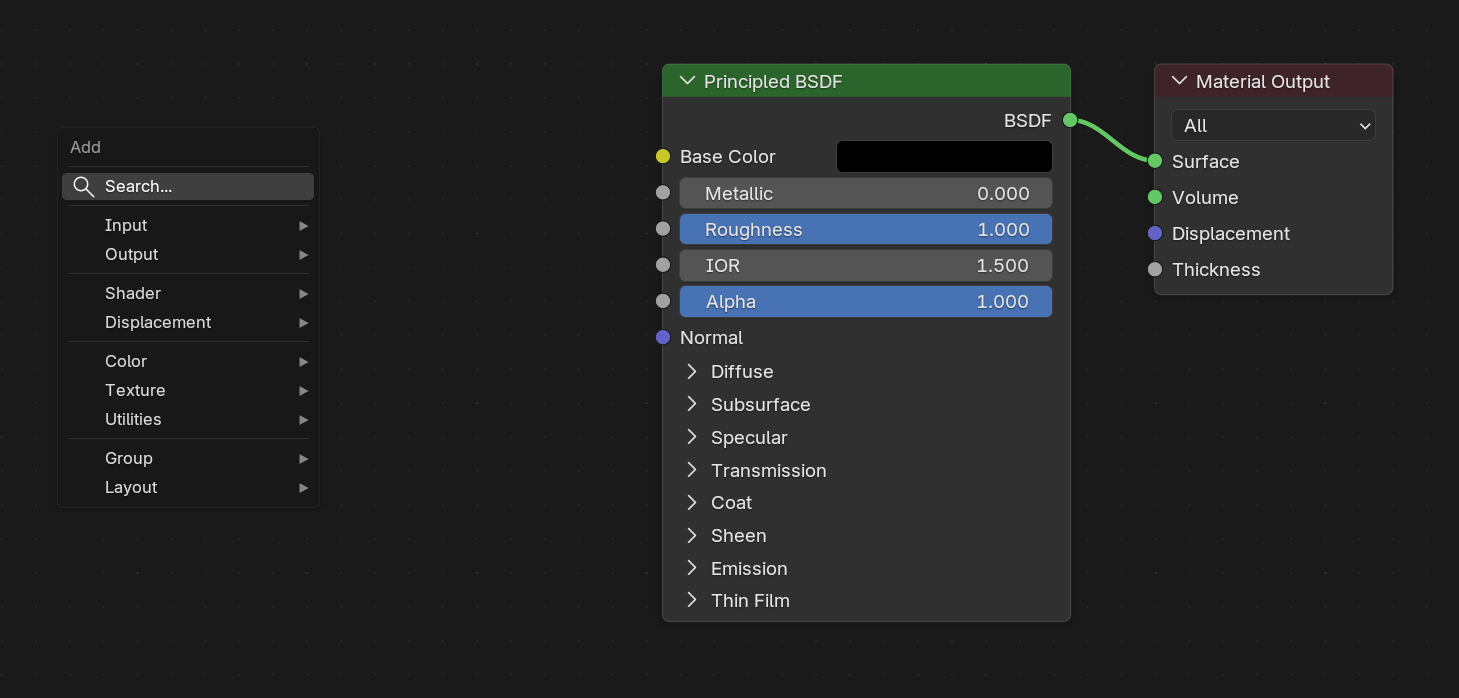
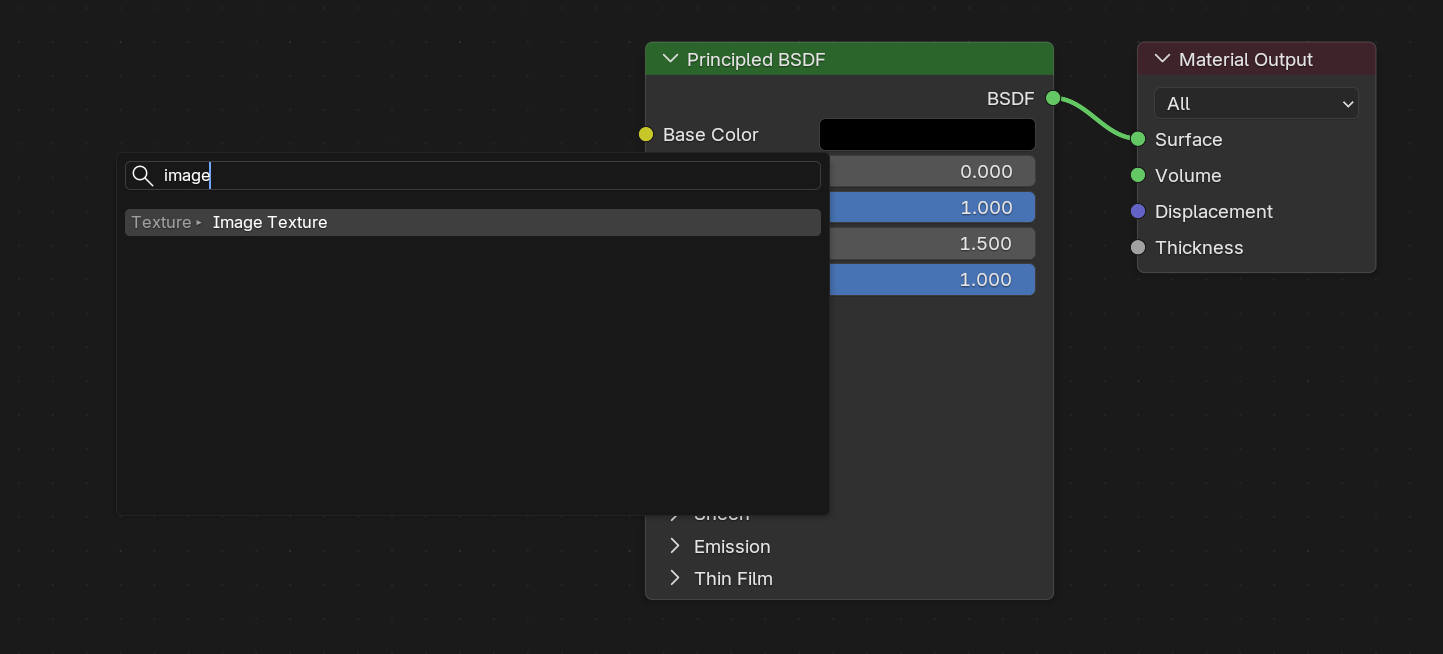
Search for Image:
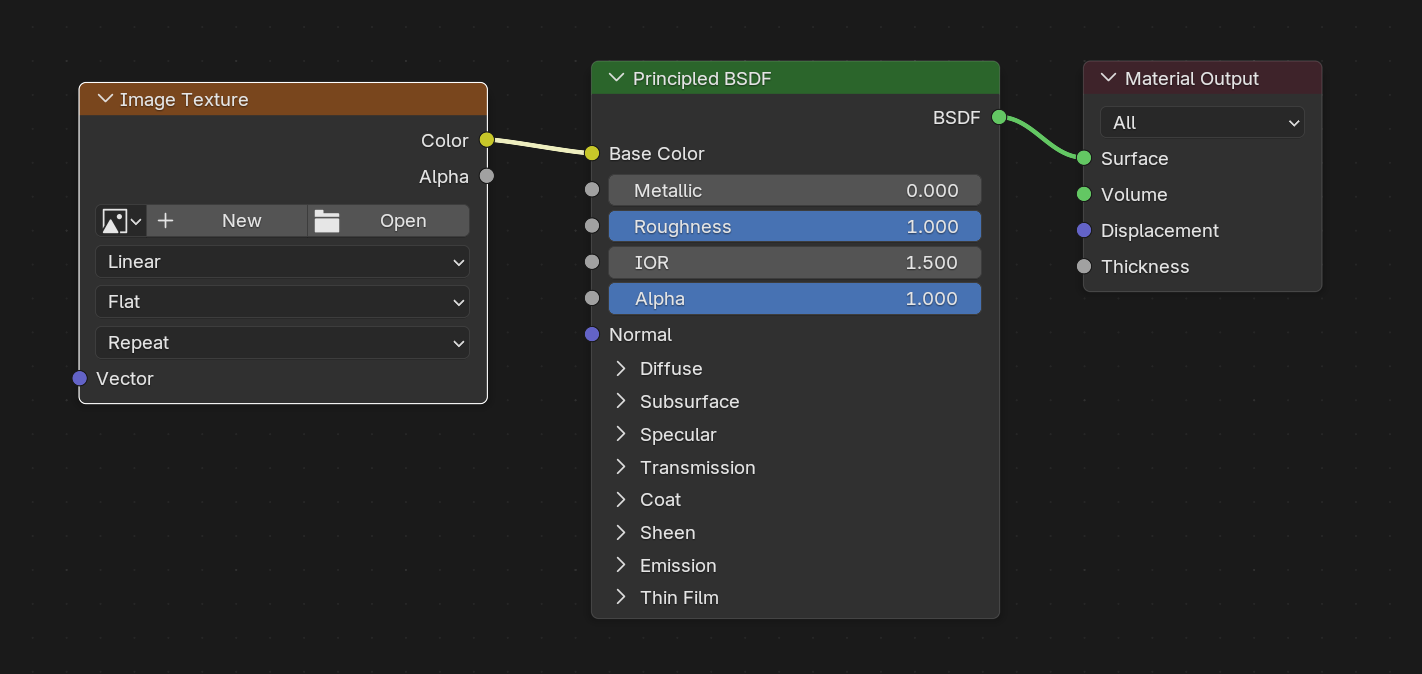
Connect Color to Base color:
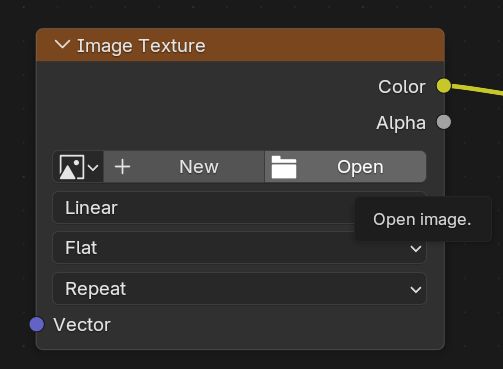
Open and find your texture png file:
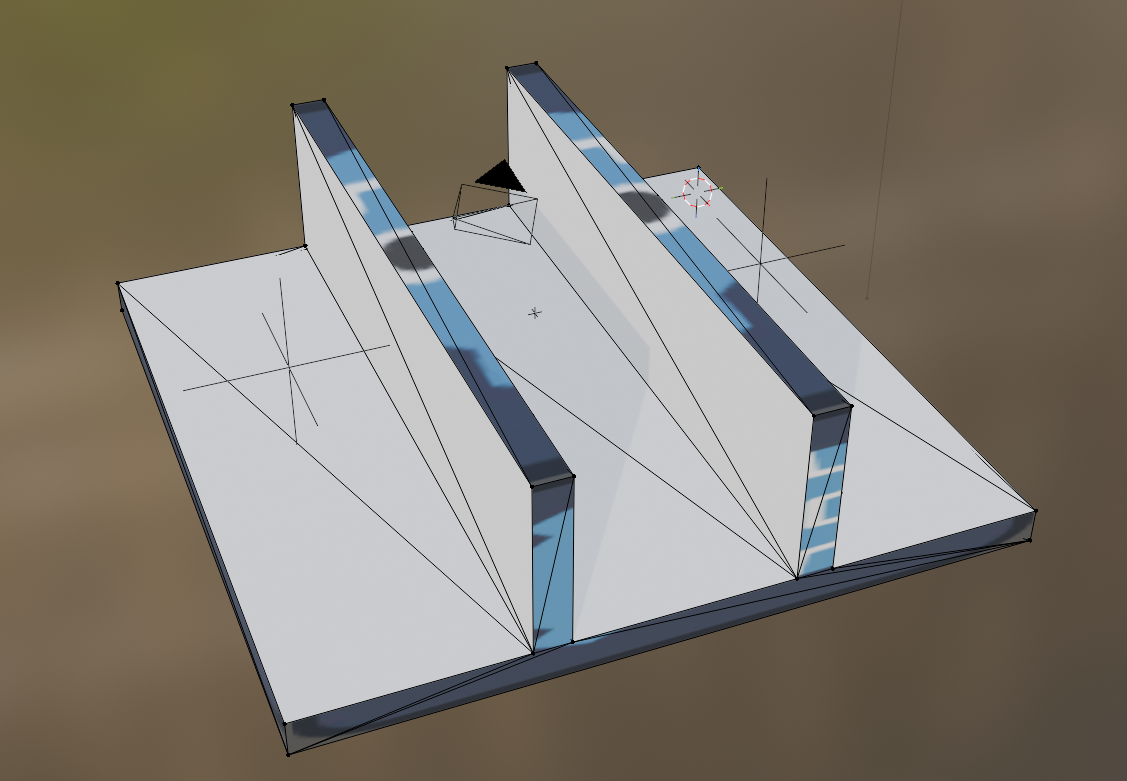
My Mesh now looks like this:
Switch to edit mode by pressing TAB.
Select Face:
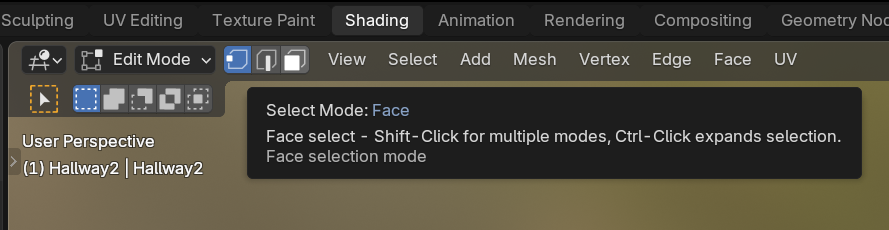
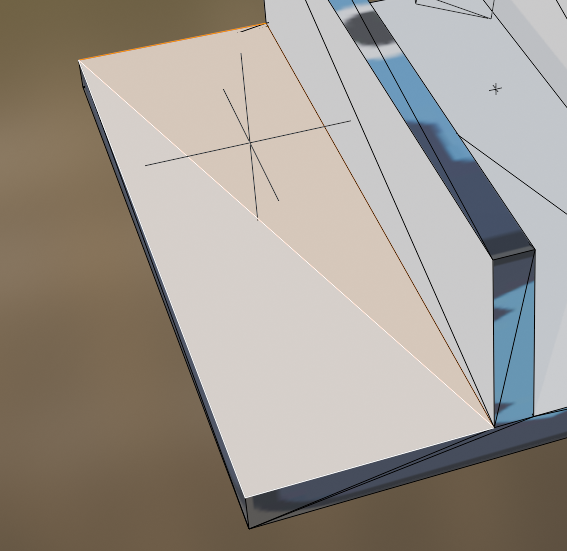
If you now want to texture individual faces you can select the face like i did by clicking on the triangles within the face:
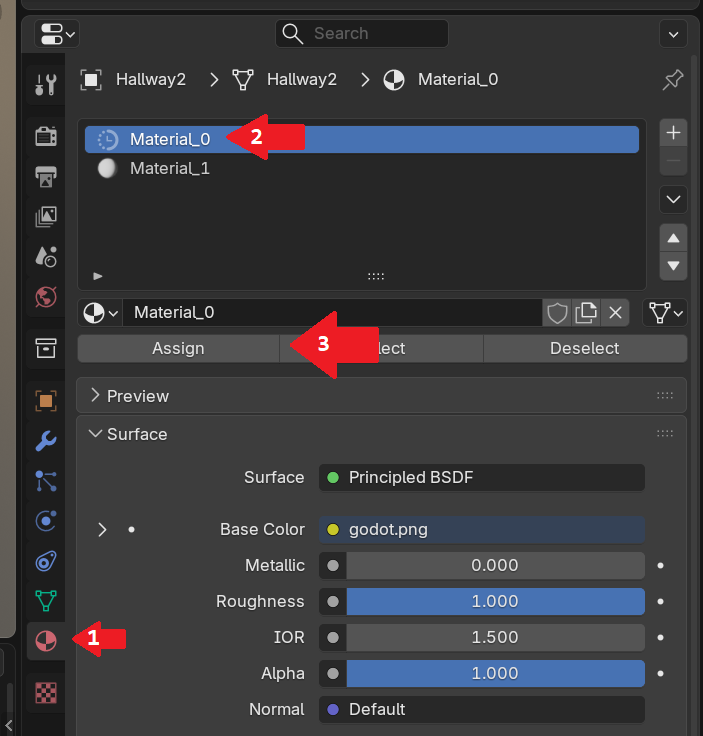
Now select Material in the properties tab on the right side (1), select your material (2) and assign it(3).
The result should look like this:
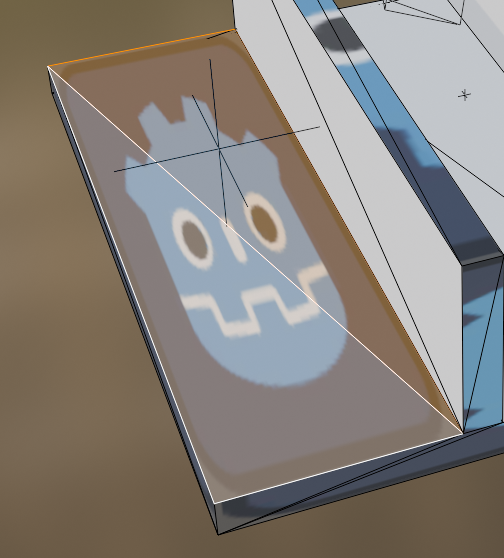
End result after exporting it to godot again.
IMPORTANT: When you rename the png you imported, it wont show it in blender. You will see it when you import the new glb to godot and it has no textures.